Koodo Community
Question

No eSIM after transferring number

  • September 30, 2026
  • 3 replies
  • 28 views

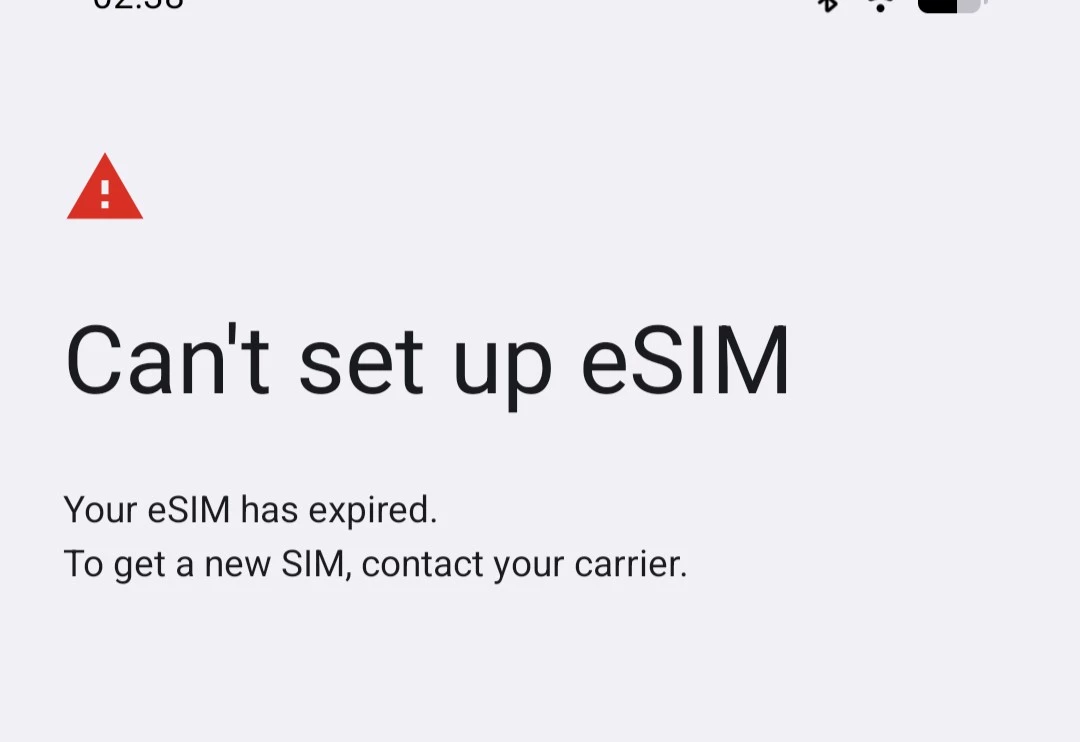
I recently moved to Koodo from Bell, and transferred my number over. However, I never got a QR code or prompt or anything to put my Koodo eSIM on my phone.

I saw this post where the person was suggested to go through the eSim recovery process in Self Serve. I tried that, but am stuck on a screen that says

Get verification code


Before we start the transfer, we need to confirm your identity. We’ll send you a 6-digit verifcation code. Where do you want it to go?


There’s only one option below, the email I made my account with, but I can’t select it because of this message.

This email address can’t be used for verification at this time, because it was recently updated. Please choose the Text option to receive your verification code now.

I guess that makes sense since I only recently opened the account, but now I’m stuck unable to call/text without the eSIM.


3 replies

Flo Koodo
Forum|alt.badge.img+4
  • Official Rep
  • September 30, 2026

Hi ​@Tim J 

We have looked into it and we can confirm the transfer was completed successfully.

What phone are you using? Have you tried resetting the network settings?


  • Author
  • Beginner
  • September 30, 2026

Hi Flo, thanks for looking into it. I’m using a Pixel 8, and have enabled eSIM support. I have tried resetting the network settings and also rebooting the phone.

The only SIM that shows up in my settings is the old Bell one.


Flo Koodo
Forum|alt.badge.img+4
  • Official Rep
  • September 30, 2026

​@Tim J 

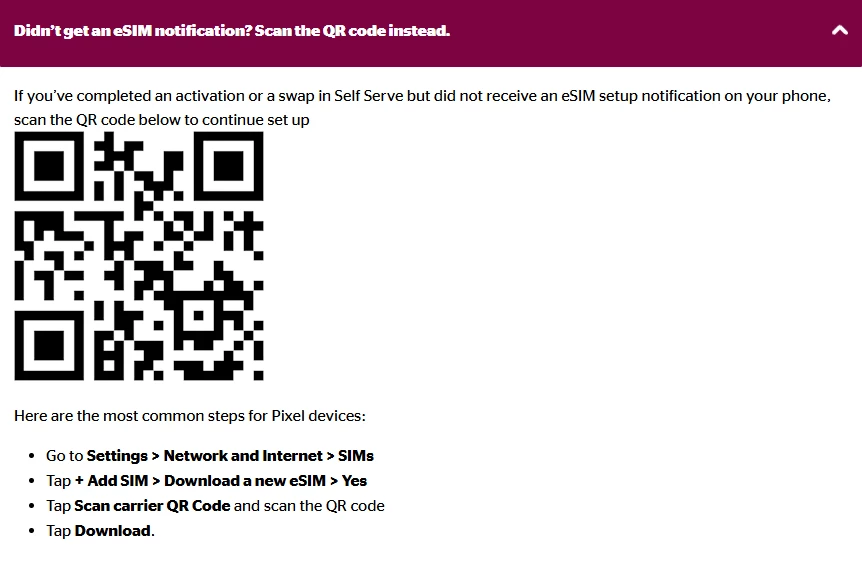
We recommend reviewing the steps here for the esim activation https://www.koodomobile.com/en/help/esim-on-pixel 

In case this doesn’t help, please let us know.