Koodo Community
Answer

RCS

  • April 23, 2025
  • 6 replies
  • 224 views

My phone was set for RCS and I was using it. Then it just stopped. When I try to turn it on it says this:
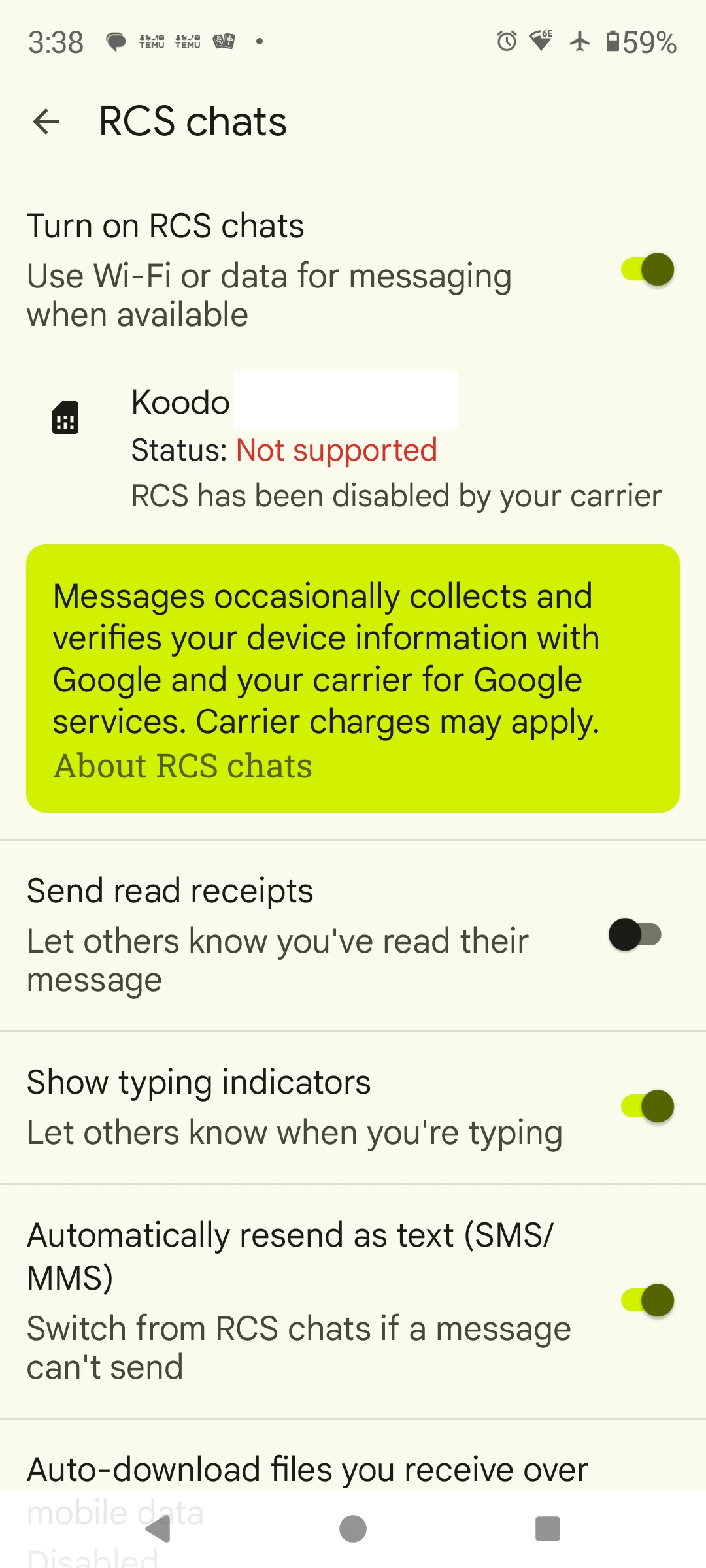
How come it used to work? 


Best answer by Dennis

I recommend trying the solutions mentioned here

https://community.koodomobile.com/other%2D80596/rcs%2Dchats%2Dnot%2Dsupported%2D7830165

This topic has been closed for replies.

6 replies

Allan M
Forum|alt.badge.img+4
  • Mobile Master
  • April 23, 2025

What kind of device do you have?

Have you tried restarting your device, removing and reinserting your sim, resetting network settings, etc?


Forum|alt.badge.img+4
  • Mobile Master
  • Answer
  • April 23, 2025

Georgia Koodo
Forum|alt.badge.img+4
  • Official Rep
  • April 24, 2025

Hi ​@HjD, we’ve edited your picture to hide personal information as this is a public forum. Let us know if any of the troubleshooting steps linked above worked, thank you!


  • Member
  • May 3, 2025


I'm experiencing the same issue.  I just upgraded to a pixel 9pro and RCS is labelled as not supported.


Can someone summarize the solution from the link above?  The linked solution has been removed. 


Flo Koodo
Forum|alt.badge.img+4
  • Official Rep
  • May 3, 2025

Hi ​@Overton 

The solution mentioned was the following:

  1. Airplane Mode On
  2. Long press on messages to bring up menu
  3. Select the little "i" in the upper corner
  4. "Force Stop" the app (located at the very bottom of screen)
  5. Now press on Storage
  6. Clear Cache and Clear Data (located at the very bottom) Don't worry it won't delete your conversations.
  7. Restart phone and turn off airplane mode


Let us know if this works for you.


  • Member
  • May 3, 2025

Yes, this worked.  Thanks!!