Koodo Community
Answer

How to enable MFA on the koodo account?

  • November 6, 2025
  • 7 replies
  • 162 views

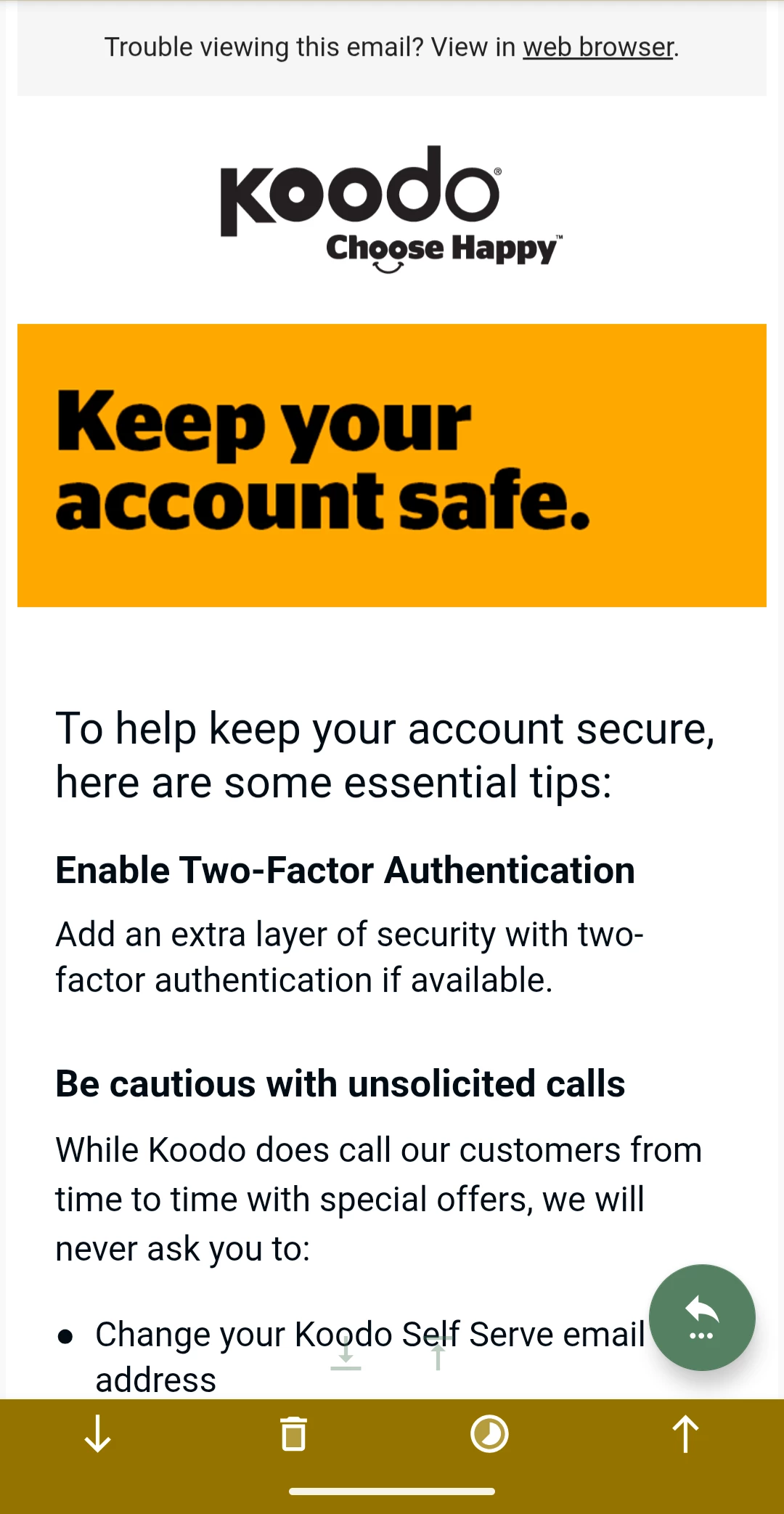
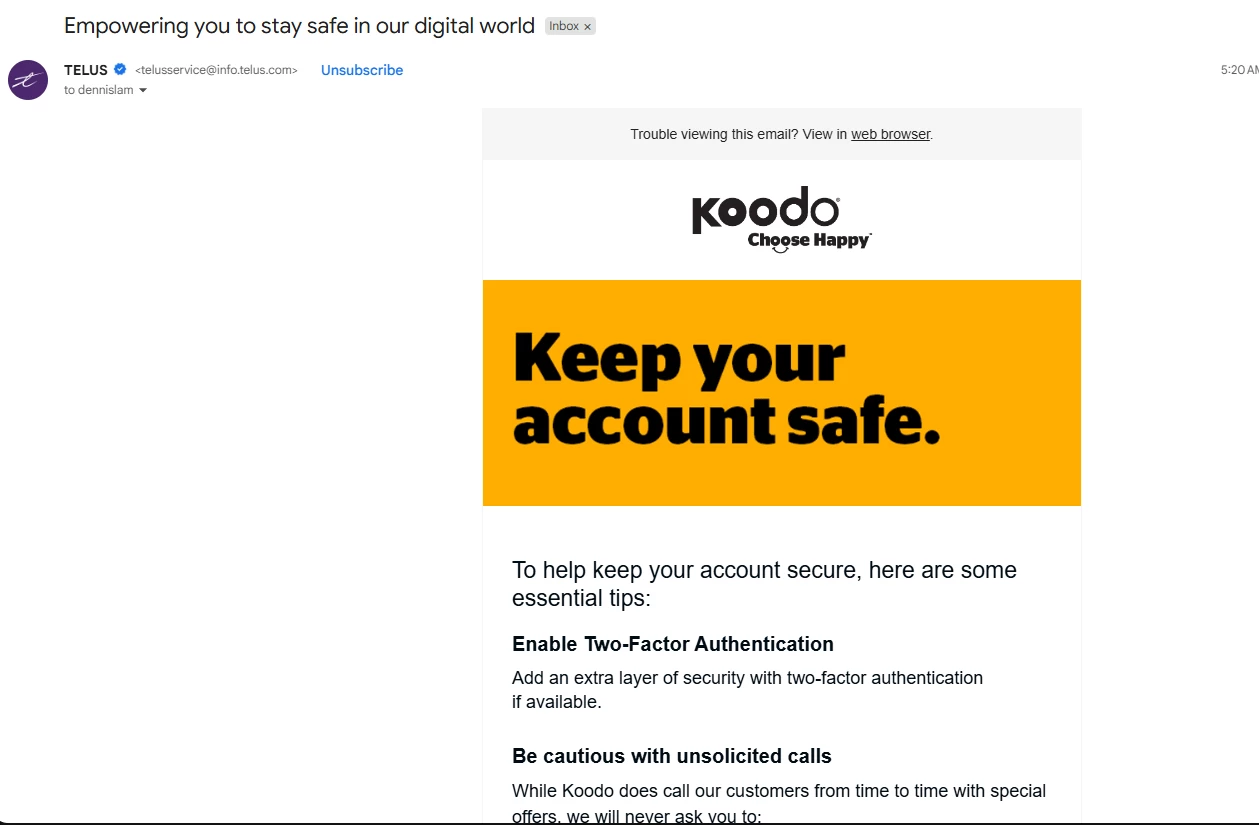
I got an email from Koodo regarding improve security and talking about enabling MFA or 2FA, but Koodo doesn’t allow to enable that setting, at least for me I don’t have the option.

Best answer by Dennis

Ok I just got the email.

It looks like just a generic safety reminder from Telus.


This topic has been closed for replies.

7 replies

Forum|alt.badge.img+4
  • Mobile Master
  • November 6, 2025

There is currently no feature for your Self-Serve account, but it is being planned. 

If you are referring to the SIM swap scam, you can add Port Fraud Protection to your account by scheduling a callback through Koodo Assist. https://www.koodomobile.com/en/help/port-fraud-protection


Forum|alt.badge.img+4
  • Mobile Master
  • November 6, 2025

Can you post a screenshot of the email?  Just malke sure to black out any person info like phone number and account number.


Can you post a screenshot of the email?  Just malke sure to black out any person info like phone number and account number.

I got the same email . I thought it was interesting too that there is no 2FA option in account settings. 😂


Forum|alt.badge.img+4
  • Mobile Master
  • November 6, 2025

I have not seen this email yet.

It may have been sent pre-maturely.

Let me flag a rep to confirm


Forum|alt.badge.img+4
  • Mobile Master
  • Answer
  • November 7, 2025

Ok I just got the email.

It looks like just a generic safety reminder from Telus.


  • Guardian
  • November 7, 2025

I received the email this morning too.  The key word in the email is IF.  It says to enable enable 2FA if available.  For Koodo, it is not available yet.  


Forum|alt.badge.img+4
  • Mobile Master
  • November 7, 2025

The only explanation is that the email is sent to both Telus and Koodo customers. The 2FA feature is available on Telus and not on Koodo. That’s why is says “if available”, as it mainly pertains to those currently with Telus.