Koodo Community
Question

dm1000 and boost wifi lite 6

  • August 14, 2026
  • 8 replies
  • 136 views

mito

I have the 100mb-down unlimited internet home plan.

everything working fine.

what wireless router models can I use to replace the dm1000 or b6l wifi boost?


thx.

This topic has been closed for replies.

8 replies

mito
  • Author
  • Organizer
  • August 18, 2026

crickets.....


Forum|alt.badge.img+4
  • Mobile Master
  • August 18, 2026

Hi there,

You must use the provided DM1000 modem if you’re subscribed to Koodo internet because it links your active service subscription to the network, so this can’t be changed. However, you can use your own equipment in place of the Boost Wi-Fi 6 router that is included. Technical support though is not offered for the router from Koodo if you use your own equipment.

For options for a replacement router, you can use pretty much any third-party router, Koodo do not list any restrictions on the hardware just the configuration of the new equipment would have to be correct. So you would have to do your own research on which one you want that will support your needs such as if you would prefer a Mesh system to cover a wider area or high-performance single router.

Potentially some others on here have some models in mind, but I did have a friend switch theirs for an Asus RT-AX86U AX5700 and Meshed it with another older Asus router and it worked great. Hope this helps. 🙂


mito
  • Author
  • Organizer
  • September 9, 2026

how do I change the dm1000 default password?


can't attach pics here.......


mito
  • Author
  • Organizer
  • September 9, 2026


Dinh
Forum|alt.badge.img+4
  • Mobile Master
  • September 9, 2026

how do I change the dm1000 default password?


can't attach pics here.......

Which password are you looking to change, the wifi network password or the admin login itself? The wifi name and password are set on the Boost router, not on the DM1000. Type 192.168.1.254 in your browser's address bar, sign in with the user name admin, and the admin password is printed at the bottom of the Boost under the removable cover. Steps here https://www.koodomobile.com/en/help/how-to-change-a-network-name-and-password

As well, if you do end up putting your own router in place of the Boost, the wifi password would be set on that router instead.


mito
  • Author
  • Organizer
  • September 9, 2026

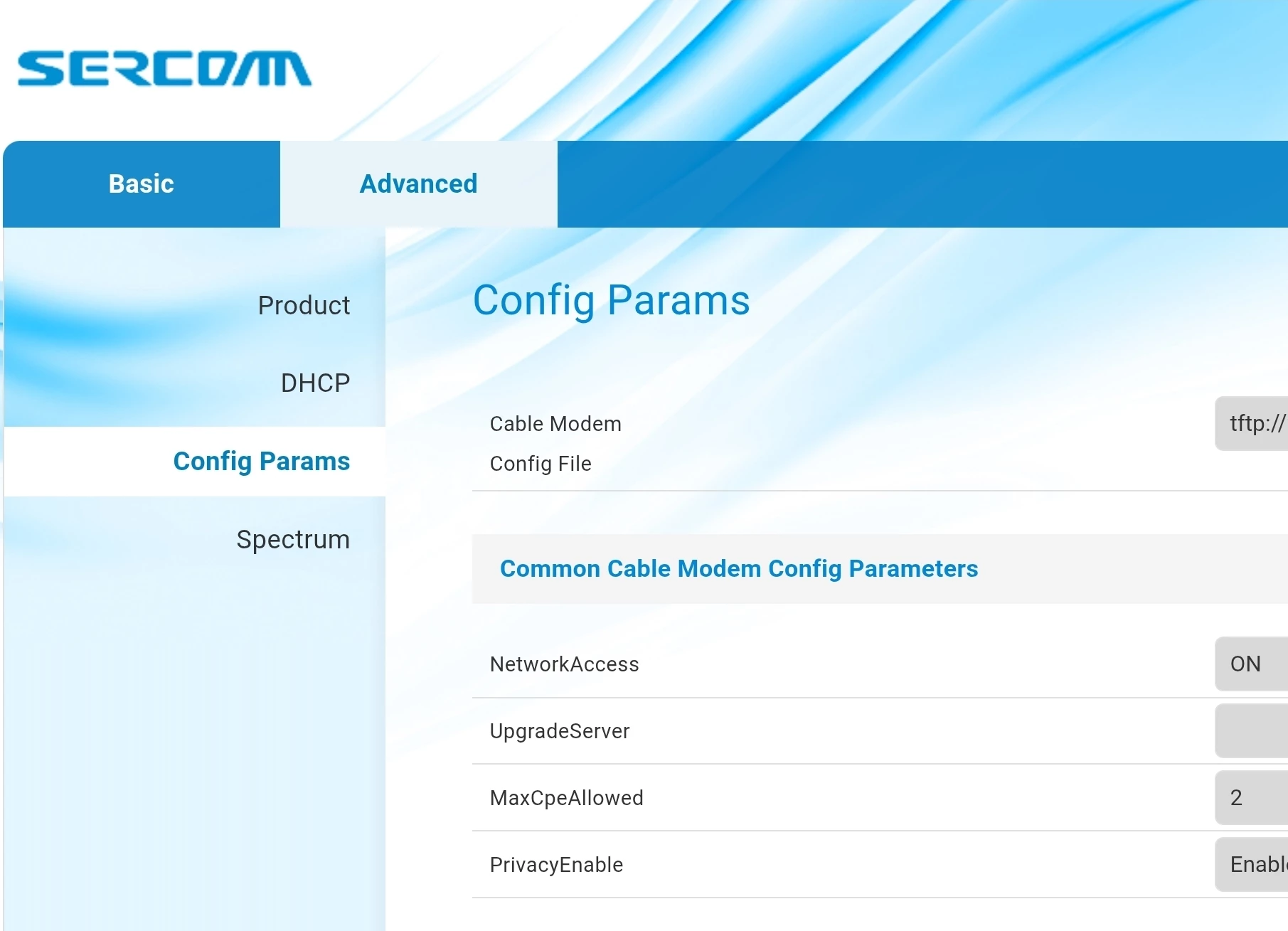
the dm1000 default password.


192.168.100.1

username:  technician


I can't attach pics here, what is happening


mito
  • Author
  • Organizer
  • September 9, 2026


mito
  • Author
  • Organizer
  • September 10, 2026


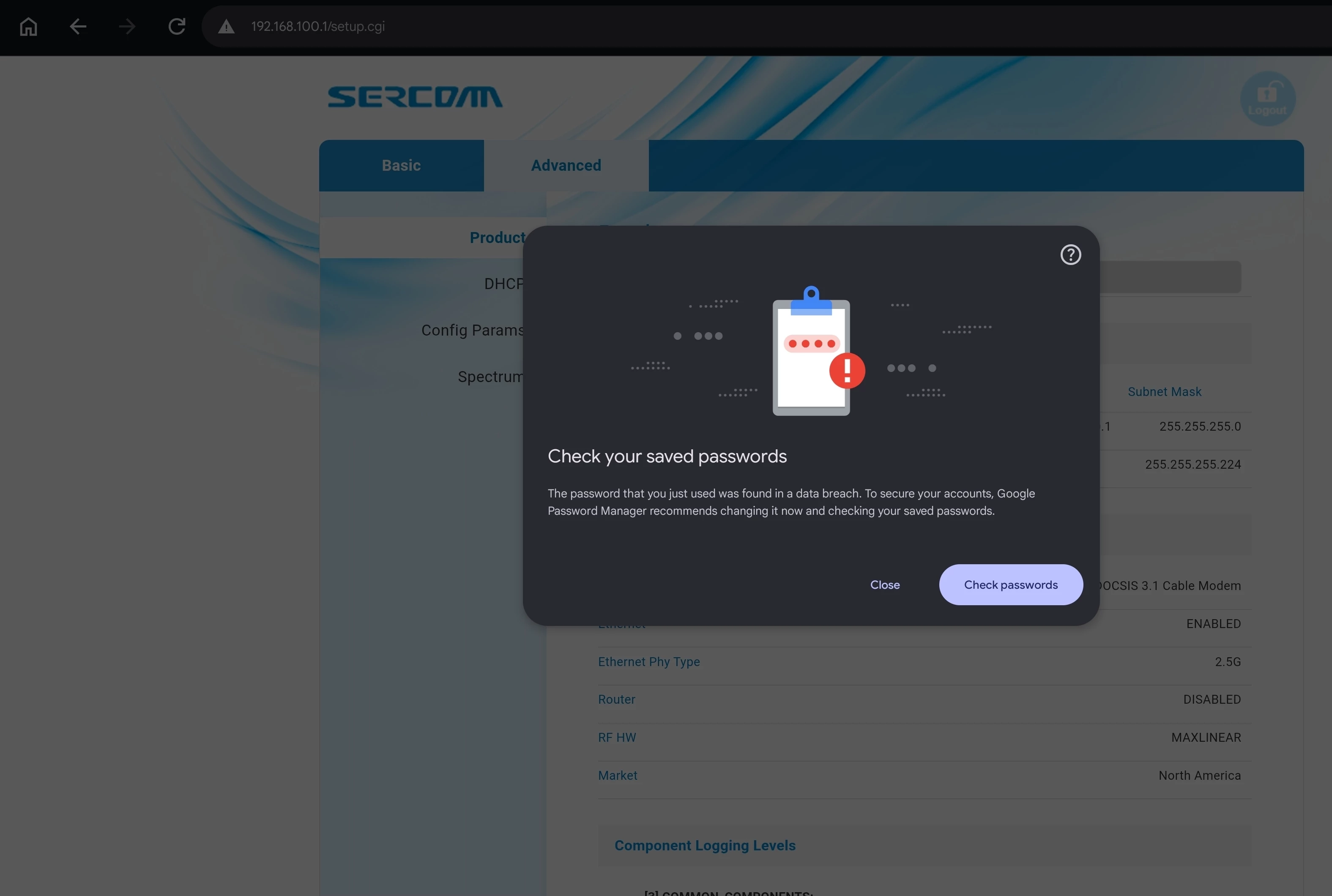
the default password has been flagged by chrome