Koodo Community
Question

Signed up for Stream+ Premium but can’t set up self serve account to complete activation

  • July 24, 2026
  • 7 replies
  • 41 views

Hello out there - we signed up for the Stream+ Premium bundle this morning, and we are now stuck on the activation. More specifically, we are not Koodo mobile or internet customers. From what we can gather, we need to set up a self serve account to activate the services, but we seem to be caught in a loop where it asks for a mobile number and sends verification via text but the text doesn’t come.


Not sure if we are supposed to wait for self serve account setup to be done, if we missed the self serve account setup, or if there’s something else that needs to be done. To reiterate, we are not Koodo mobile or internet customers and, at least from what we’ve read, you can sign up for Stream+ even if you’re not a Koodo customer.


we tried the digital assistant but didn’t get any satisfaction there.

7 replies

Forum|alt.badge.img+4
  • Mobile Master
  • July 24, 2026

Only Koodo customers are able to sign up for a Stream+ subscription. You must have at least one product to be eligible. That is why it is prompting you to provide a phone number when registering for your Self-Serve account. https://www.koodomobile.com/en/shop/subscriptions/terms/streamplus

I have flagged a rep to help you out.


  • Author
  • Connector
  • July 24, 2026

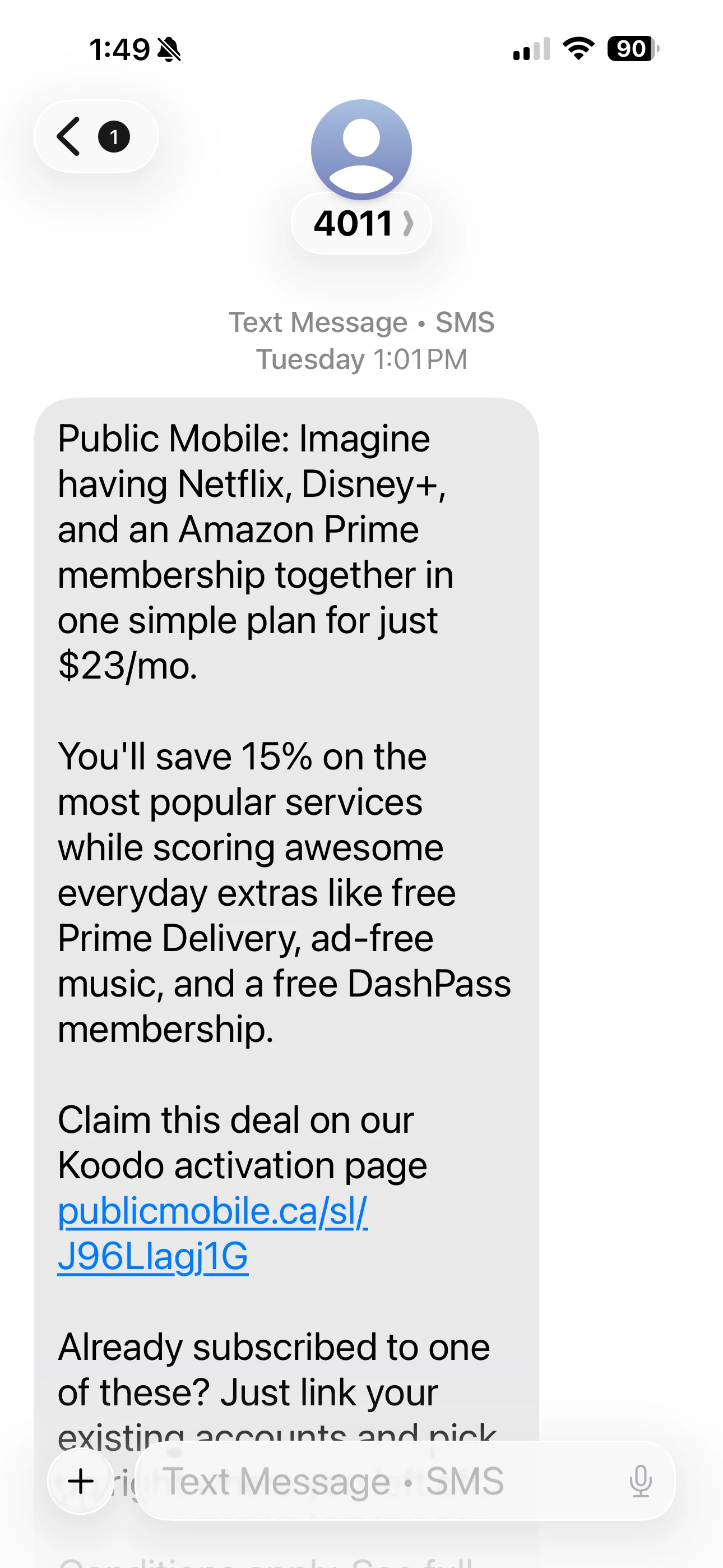
Thank you for the quick response. We received a text from Public Mobile alerting us to Stream+ and I’m guessing since Public Mobile (like Koodo) is under Telus we should be able to access it? Also if you have to be a Koodo customer it should stop you from going through the full Stream+ sign up?


  • Author
  • Connector
  • July 24, 2026

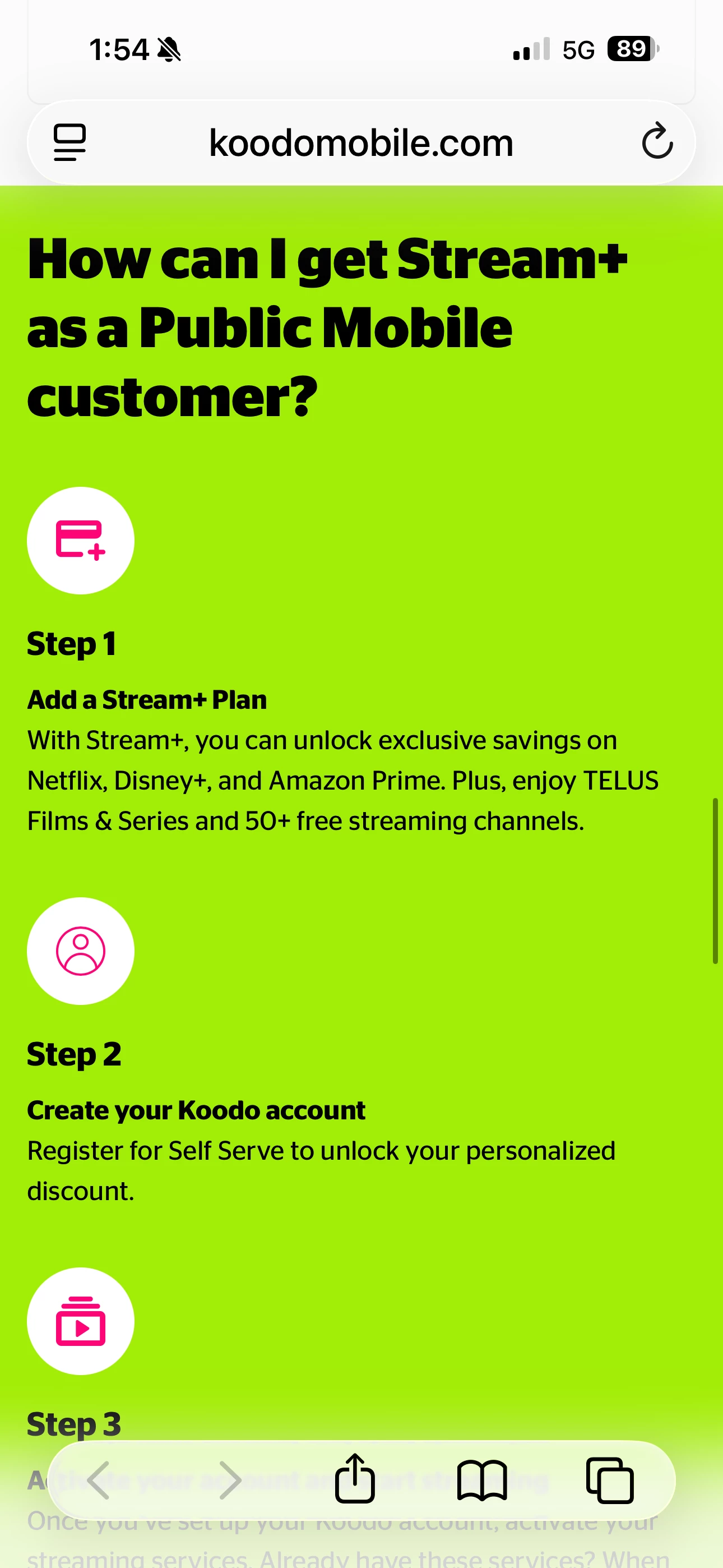
This was what you see when you click on the times and conditions link:


Rox Koodo
  • Guardian
  • July 24, 2026

Hi there ​@Drankcrow ! Can you try to follow the steps below? 


Step 1
Choose the Stream+ plan you like and click Add now.

Step 2
Select New to Koodo.

Step 3
Complete the checkout process (including adding your contact and credit card information). Your exclusive offer will be applied automatically.

Step 4
Keep an eye on your inbox for the prompt to set up your Koodo account. Once you’ve registered for Self Serve, you can manage your subscriptions and payment method and view your monthly receipts.

Step 5
Activate your Netflix, Disney+, and Amazon Prime subscriptions, or create new accounts, and start streaming — and saving!


Forum|alt.badge.img+4
  • Mobile Master
  • July 24, 2026

Make sure to check your junk/spam box.  There is an email one, and sometimes there is a hidden text spam folder as well.  Make sure to check that too


  • Author
  • Connector
  • July 24, 2026

Hi there ​@Drankcrow ! Can you try to follow the steps below? 


Step 1
Choose the Stream+ plan you like and click Add now.

Step 2
Select New to Koodo.

Step 3
Complete the checkout process (including adding your contact and credit card information). Your exclusive offer will be applied automatically.

Step 4
Keep an eye on your inbox for the prompt to set up your Koodo account. Once you’ve registered for Self Serve, you can manage your subscriptions and payment method and view your monthly receipts.

Step 5
Activate your Netflix, Disney+, and Amazon Prime subscriptions, or create new accounts, and start streaming — and saving!

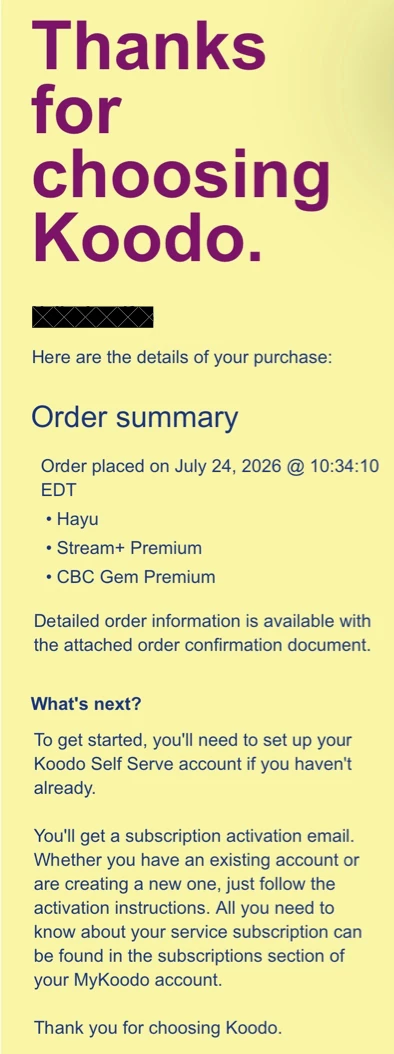
Hi Rox - thanks for your quick response. When we signed up for Stream+ we did select the New to Koodo option as the existing customer option we require you to sign in. We checked for any other account email but we only received the order confirmation email along with the separate activation emails for the various streaming services. If I had to hazard a guess the account wasn’t set up.


Forum|alt.badge.img+4
  • Mobile Master
  • July 24, 2026

I would suggest you to wait for a bit until you receive the email from Koodo to register your Self-Serve account.