Koodo Community
Question

unable to add unlimited long distance perk

  • April 2, 2026
  • 6 replies
  • 38 views

Hi there, 

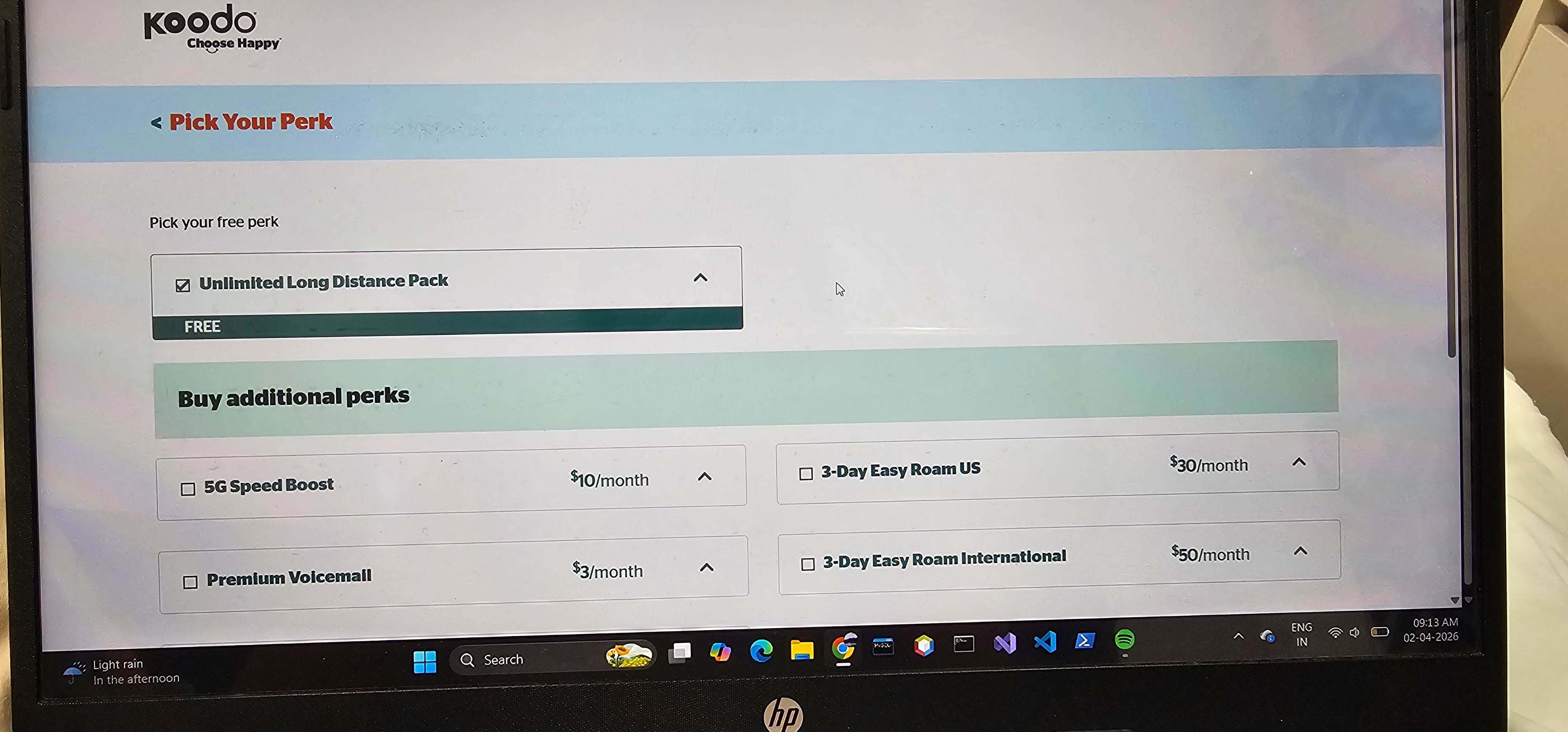
I got my Sim activated yesterday with march 31 flash sale 25$ 80 gb plan. I did setup my account online, added the banking information, successfully ported my number from rogers. However, one last thing to add a free perk is not going through. I tried adding unlimited long distance pack multiple times but never succeeded. I haven't received any confirmation email yet. ​@Darius Koodo please help. Need to get it done ASAP.  Wondering if you need my details to look up the account 🤔 

6 replies

Forum|alt.badge.img+4
  • Mobile Master
  • April 2, 2026

Log into Self Serve and head to Manage Plan and Add-ons then Manage Add-ons. You need to add the free Pay Per Use International Long Distance add-on first because it unlocks the Unlimited Long Distance Pack. Wait about 10 to 15 minutes, restart your phone, and try adding the perk again if it still fails. 


  • Author
  • Connector
  • April 2, 2026

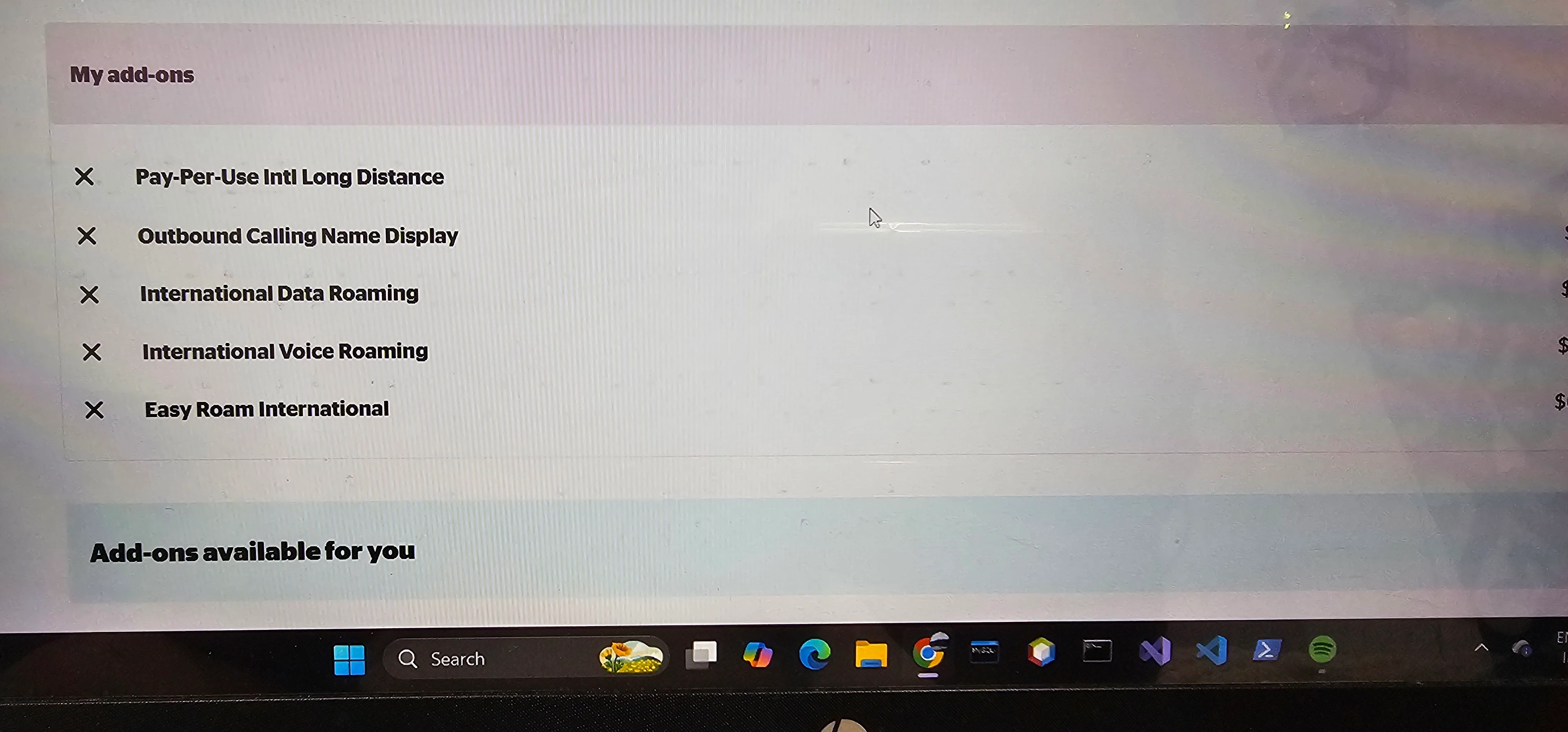
Pay per use intl long distance is already active. I can't add the perk even then. 😑


Forum|alt.badge.img+4
  • Mobile Master
  • April 2, 2026

Some people have been experiencing this. I’ll flag a rep! 


  • Author
  • Connector
  • April 2, 2026

Thanks


  • Author
  • Connector
  • April 2, 2026

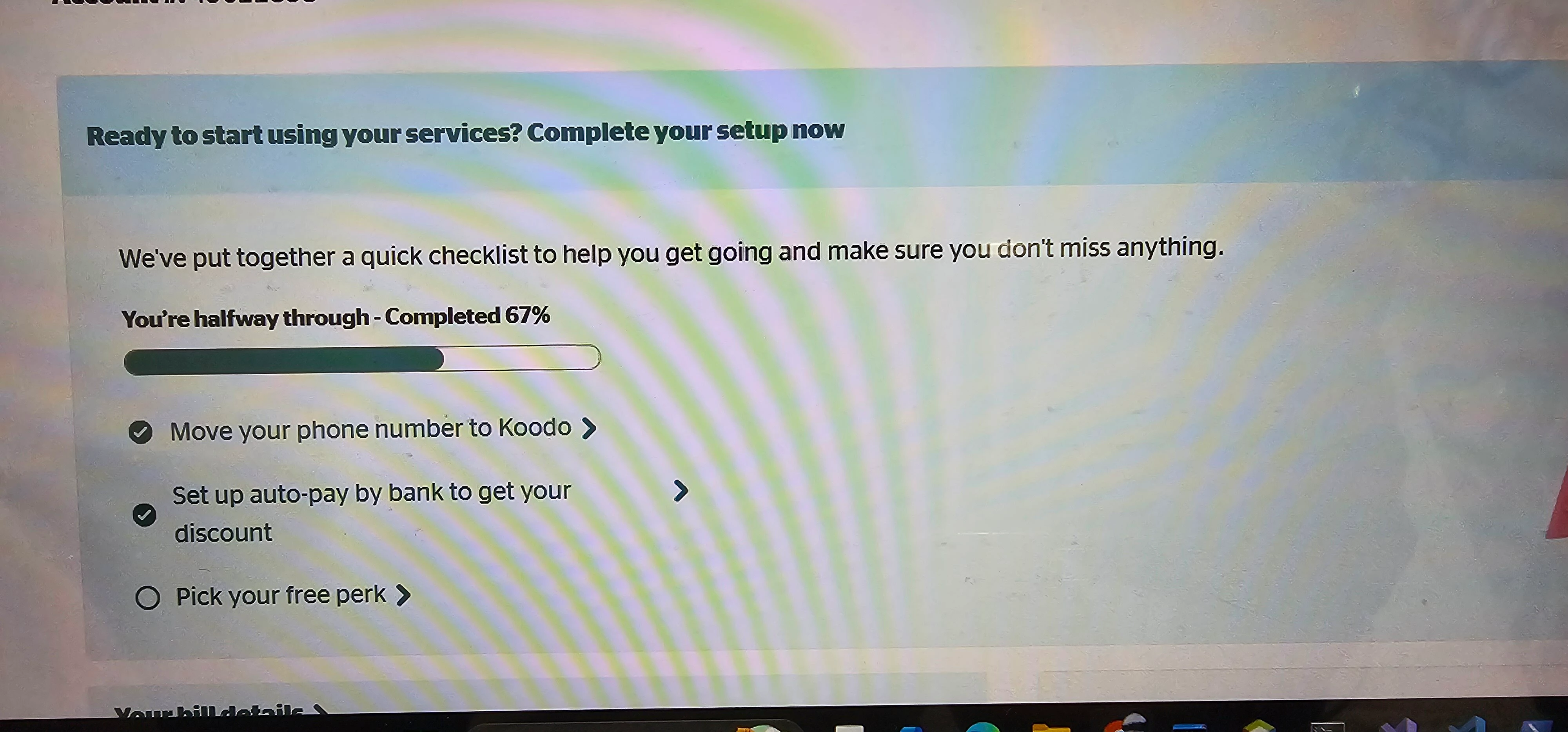
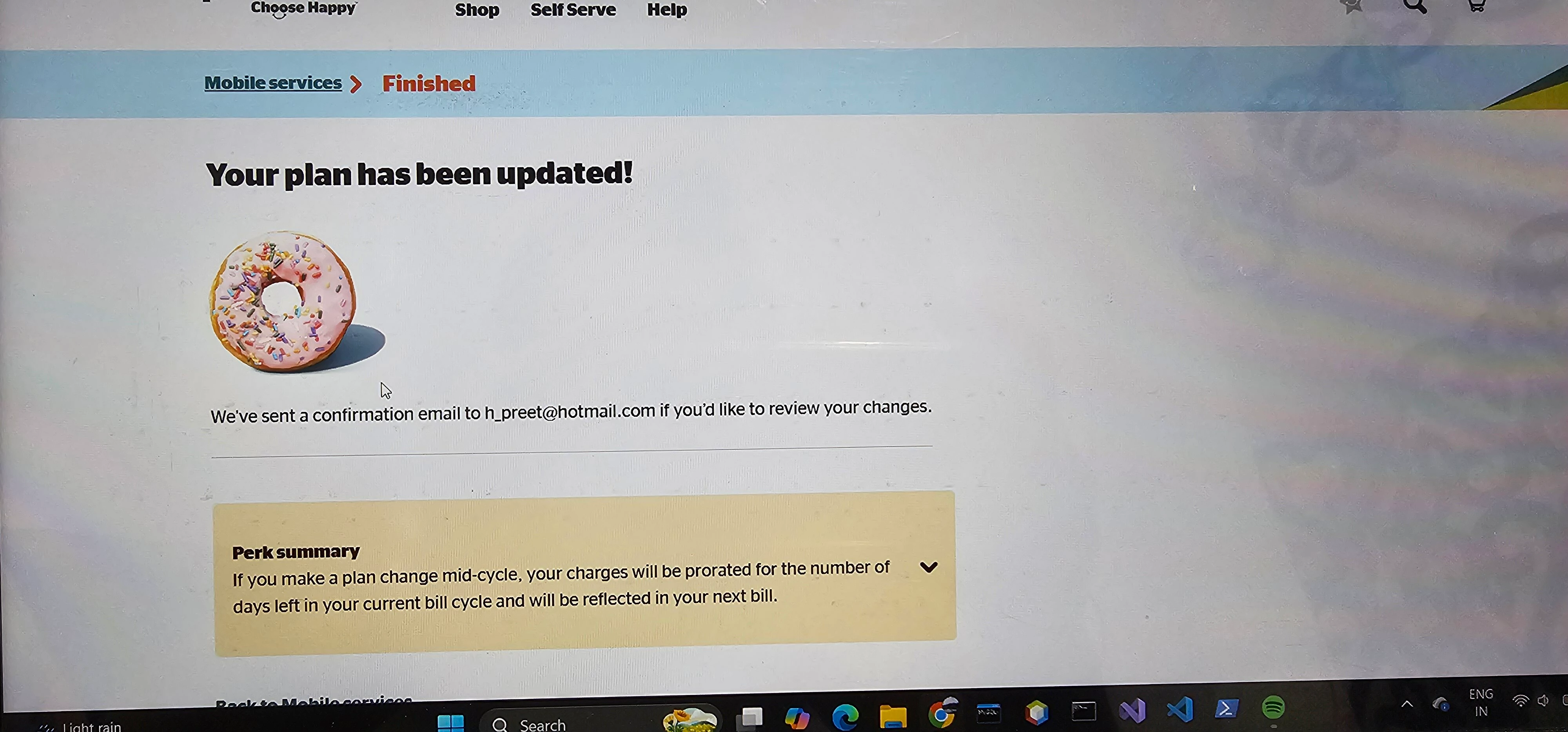
See the sequence,  m followings these steps but confirmation email never comes, neither perk is added. 


Georgia Koodo
Forum|alt.badge.img+4

Hi ​@harman.preet, please go through the change perk process and select a different free perk. Complete the change and then go through the process again to select the perk you wanted originally. We’ve seen this workaround resolve the issue for other customers.

Please let us know if the issue persists once you’ve tried this, thank you!