Koodo Community
Question

Can't sign in to prepaid self serve

  • February 14, 2026
  • 3 replies
  • 0 views

Trying to sign in to my prepaid self serve account.

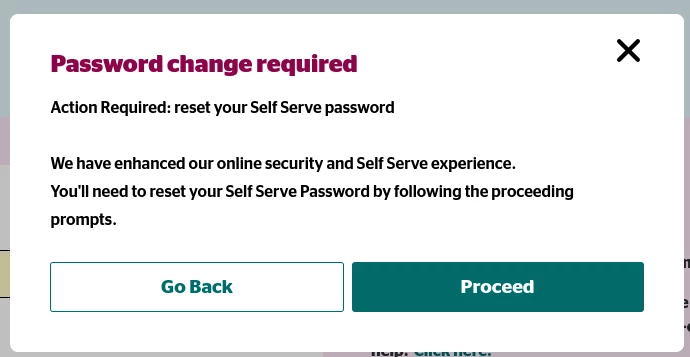
When I do so, I am shown a prompt saying “Password change required”.

I click “Proceed”.

I am shown what looks like a browser-level pop-up asking for my credentials. When I enter my credentials I am served raw JSON: “message: ‘Invalid authentication credentials’”.

In short, things seem mighty broken.

Any guidance appreciated.
 

3 replies

Dinh
Forum|alt.badge.img+4
  • Mobile Master
  • February 14, 2026

Are you using a VPN by any chance? As well, have you tried to use the incognito mode of the web browser to see if that can work?


Thanks for the reply.

No VPN.

I did try incognito mode, which just gives me the browser-level pop up again. Without incognito I go straight to the JSON after clicking “Proceed” (after entering the credentials once).

I tried the “forgot password” function but I haven’t received any email. 


Dinh
Forum|alt.badge.img+4
  • Mobile Master
  • February 14, 2026

Do you happen to have another device to test out? I recall they had certain issue with older device in the past. Also,check junk and spam inbox to see if anything is sent there.

If that doesn't work, you might have to schedule a call back from a prepaid representative at www.koodo.com/prepaidchat
