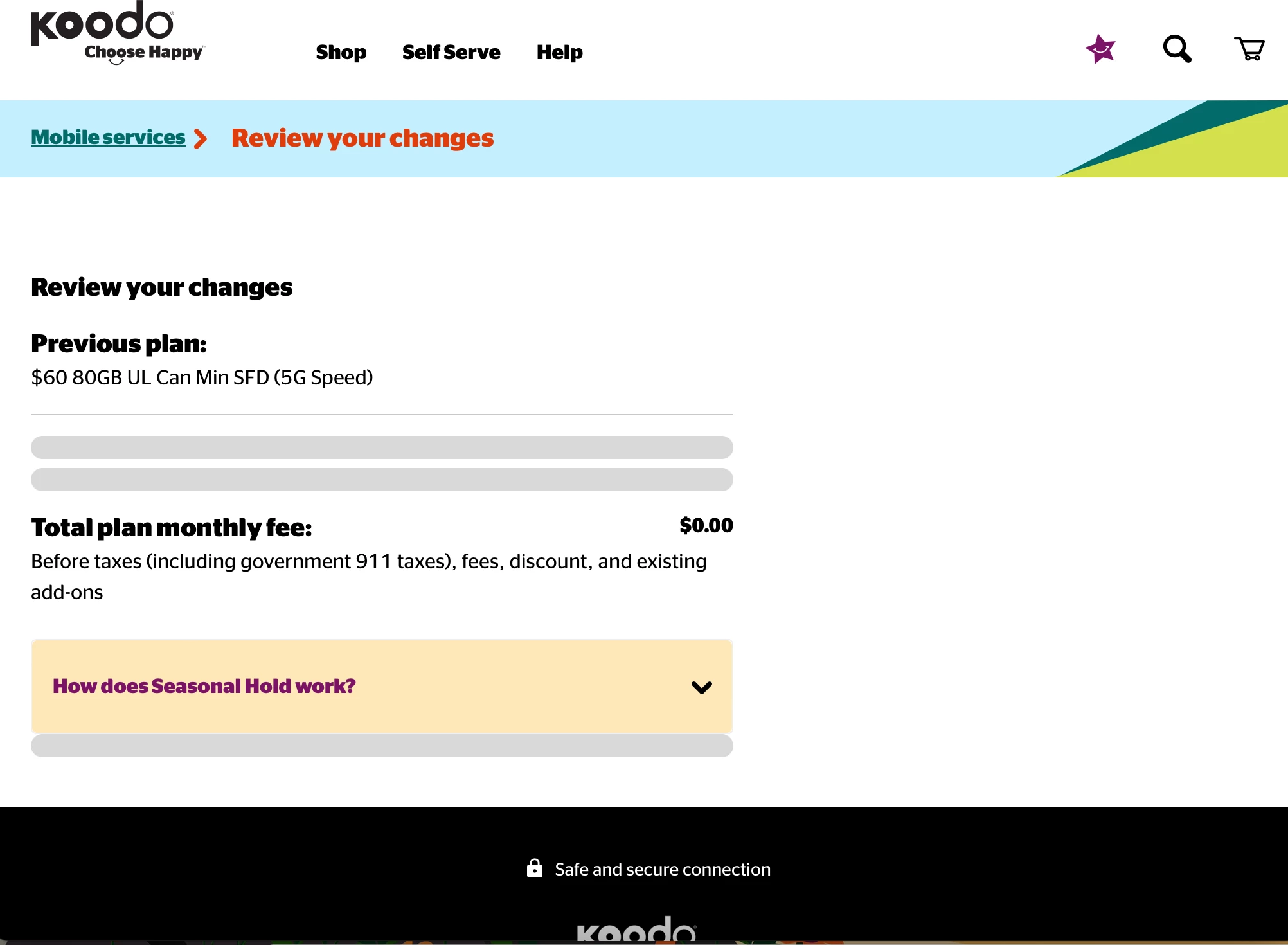
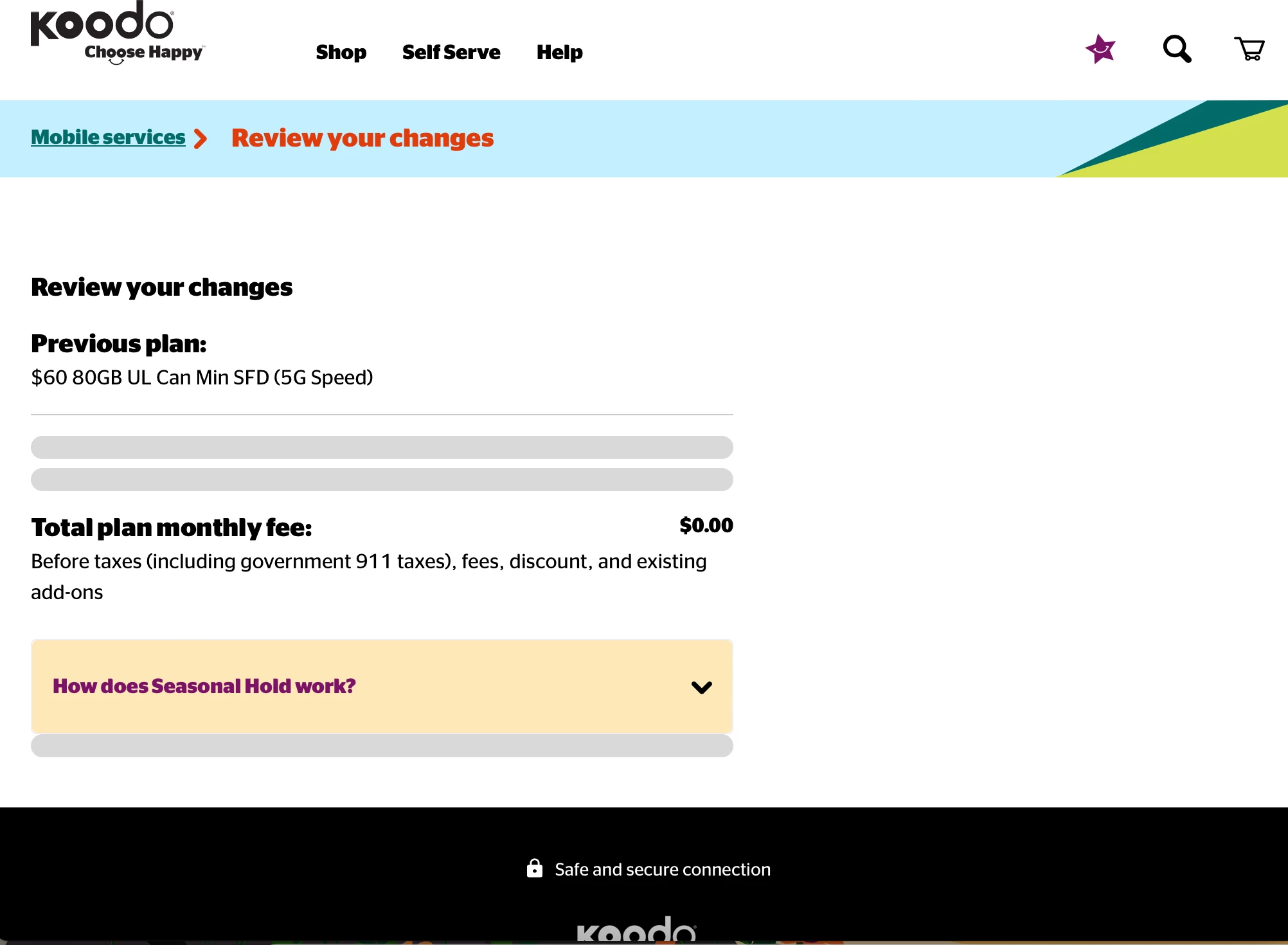
I want to activate seasonal hold but when I go to “mobile services” and click “pause my plan temporarily”, I get to a page called “review your changes” but then the page gets stuck loading indefinitely and there’s no button to activate seasonal hold. I tried using incognito mode, different browsers and even tried different devices but the same thing happens.
Question
Can't activate seasonal hold on self serve?



Login to the community
No account yet? Create an account
Login using your Koodo Self Serve Login using Facebook
or
Enter your E-mail address. We'll send you an e-mail with instructions to reset your password.