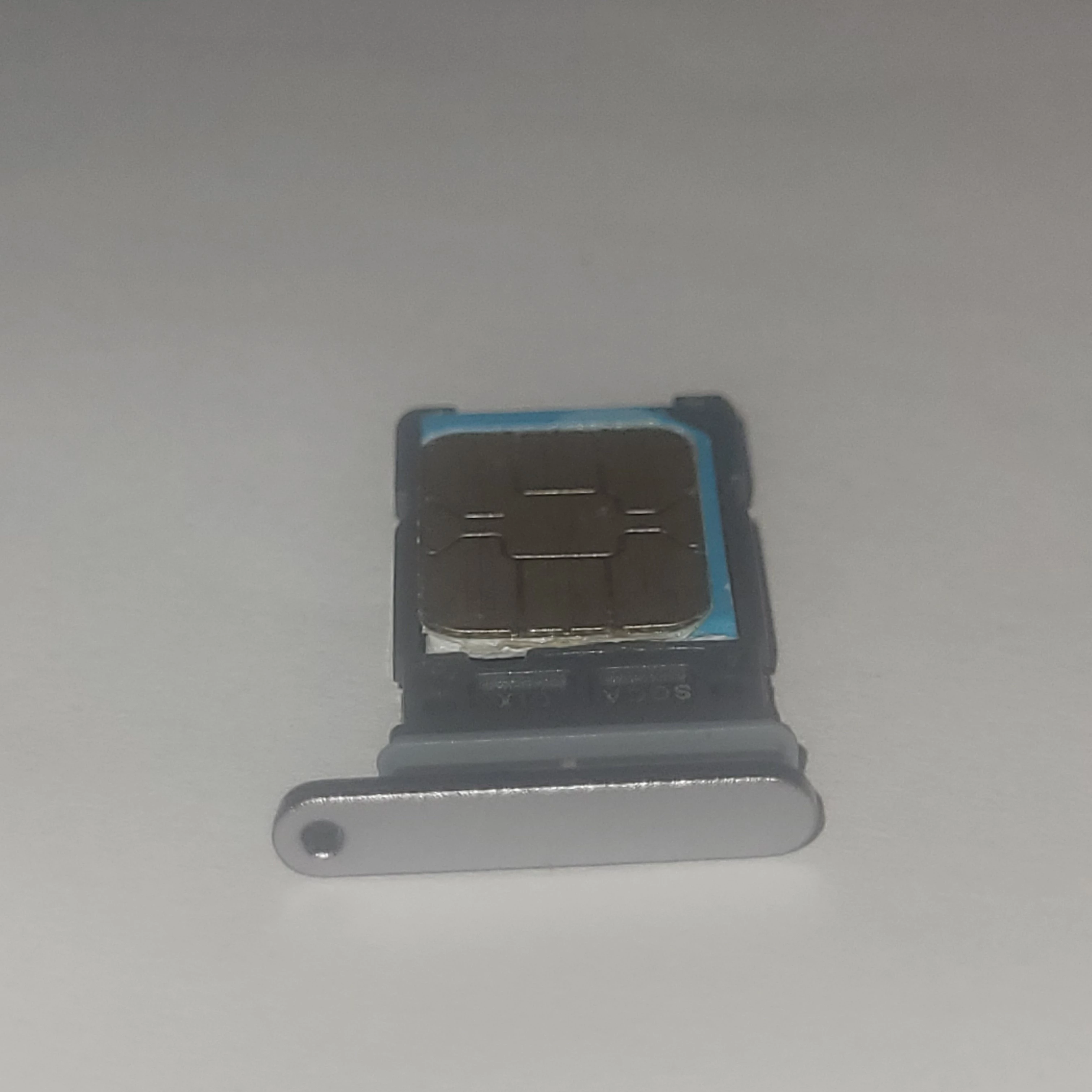
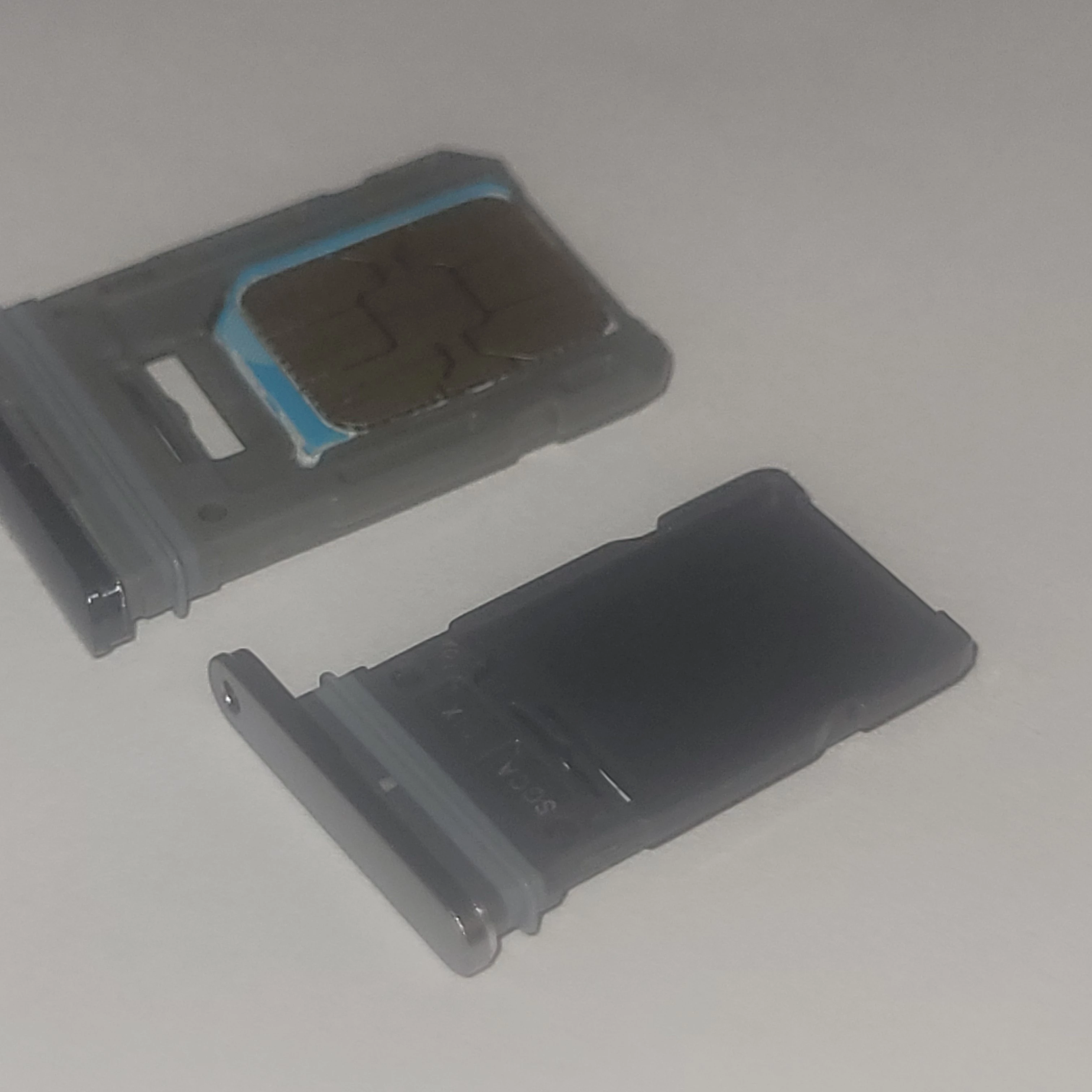
I purchased a new Samsung S25 through Koodo and received it. My SIM card from my Samsung S20 does not fit and cannot be used with my new phone. I contacted Samsung Tech Support and they said I needed a new SIM card. I want to change to an eSIM, but none of the directions I have found on this site work. In each case, the heading I’m supposed to click on never appears. I have had my new phone for over a month and am still unable to use it. Please send a link to directions that will work to convert my existing Koodo mobile phone to an eSIM.
Solved
Problem Setting Up eSIM on Samsung S20 FE
Best answer by Goran
You’re not supposed to need a smaller nano-sim. That is the standard size and there is no smaller sim card standard. If it doesn’t fit, that means either there was a bad tolerance in the S25 sim “drawer” and it won’t fit any nano sim card, or you’re accidentally fitting it backwards.
When you initially setup the S25, you should be able to transfer ytor service from your old S20FE with sim card in it, to your S25 as an e-sim:
https://www.koodomobile.com/en/help/esim-on-samsung
Specifically the “ existing customer: setting up a new phone” Is this not an option? You might have to factory reset your S25 to get back to initial setup.
This topic has been closed for replies.

Login to the community
No account yet? Create an account
Login using your Koodo Self Serve Login using Facebook
or
Enter your E-mail address. We'll send you an e-mail with instructions to reset your password.