Koodo Community
Question

Losing my mind, e-sim not working and no way to talk to anyone

  • November 20, 2025
  • 13 replies
  • 127 views

Hello, 

This is my situation: 

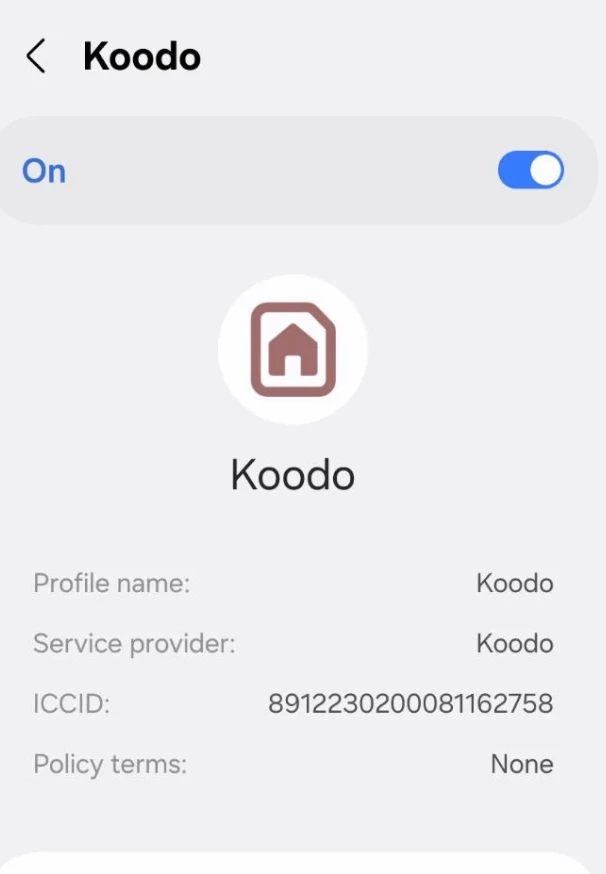
  • Paid for an e-sim and scanned the qr code: e-sim lists as active on my phone
  • Verified beforehand with the IMEI that my phone should be fine - I’ve used e-sims in the past 
  • Currently NO other sim or e-sim exists on my phone other than the Koodo one 
  • I reside and live in Canada in a major metro area - no issue ever before with network coverage
  • I have no other phone number 
  • I am unable to talk to a human or set up self serve because I have no idea what phone number is associated with my e-sim 
  • I am unable to set up the self-serve account without a koodo phone number 
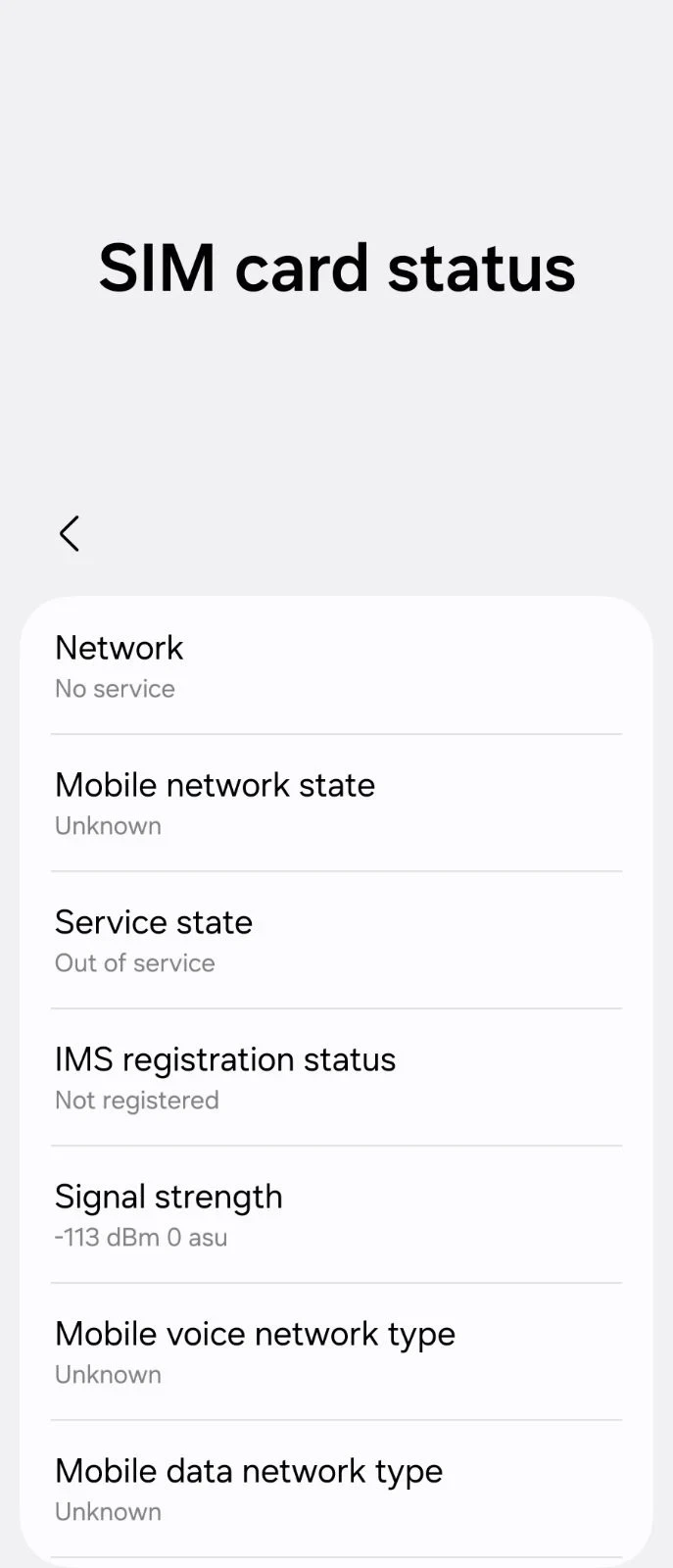
  • Phone shows no network connection / no service

I have no idea what to do and I’ve wasted so much time on trying to get this working already. It seems to be impossible to talk to a human at Koodo 

13 replies

Forum|alt.badge.img+4
  • Mobile Master
  • November 20, 2025

So your line is active and setup right now, sim card issues aside? Did you make the purchase online? You weren’t given an assigned number at registration time? 


  • Author
  • Advisor
  • November 20, 2025

So your line is active and setup right now, sim card issues aside? Did you make the purchase online? You weren’t given an assigned number at registration time? 

I have no idea, there’s no way for me to check. Purchase was made online - I was assigned some number but I didn’t take a screenshot or note of it since I figured I could always go back and check but now I can’t see it anywhere. 


Forum|alt.badge.img+4
  • Mobile Master
  • November 20, 2025

Did you complete the activation with the following link before you set up your prepaid Self-Serve account? https://activateprepaid.koodomobile.com/en/bc/prepaid/koodo/consumer/activation


Forum|alt.badge.img+4
  • Mobile Master
  • November 20, 2025

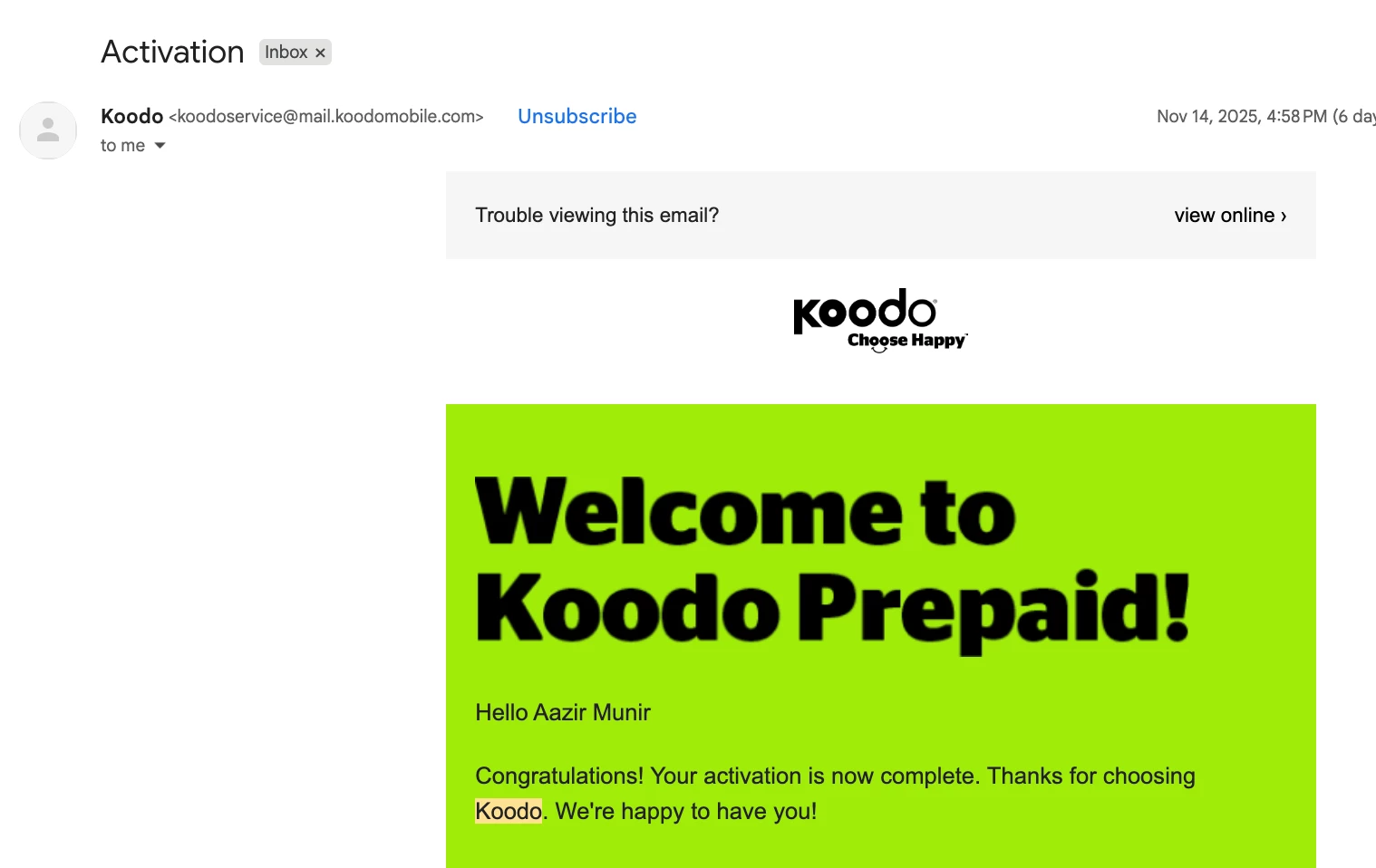
When you activate with Koodo, you should receive a copy of your service agreement if postpaid or account summary if prepaid via email. Did you receive the email yet?

That document should contain your temporary phone number that is associated with the account in addition to your account # etc.


  • Author
  • Advisor
  • November 20, 2025

Yes I activated online.

The email only has the last 4 digits of the number not enough to reach out 


Forum|alt.badge.img+4
  • Mobile Master
  • November 20, 2025

If you followed all the steps correctly and your line is activated, you should have service on your phone and you can find your phone number. I would suggest you to refer to the following link for more details. https://www.asurion.com/connect/tech-tips/how-to-find-phone-number


Forum|alt.badge.img+4
  • Mobile Master
  • November 20, 2025

When you activated online, did you select a base plan?

Are you able to send a text message to someone?


  • Author
  • Advisor
  • November 20, 2025

If you followed all the steps correctly and your line is activated, you should have service on your phone and you can find your phone number. I would suggest you to refer to the following link for more details. https://www.asurion.com/connect/tech-tips/how-to-find-phone-number

Indeed it should - yet I have the activation email and no service. 

I’m in IT / Tech professionally, I know how to find the number. It’s simply not working :( 


Forum|alt.badge.img+4
  • Mobile Master
  • November 20, 2025

Unfortunately, there is limited assistance for prepaid plans in the Community, so you will need to schedule a callback through Koodo Assist to a working number. A rep should be able to help you out. https://widget.telus.tiia.ai/koodoprepaid/koodoprepaid.html


Allan M
Forum|alt.badge.img+4
  • Mobile Master
  • November 20, 2025

The reps on the community have limited access to prepaid accounts.

For further help you’ll want to schedule a callback if you have another number you can use or visit a Koodo store for further assistance.


  • Author
  • Advisor
  • November 20, 2025

There’s the rub - Koodo assist does not work or route you to a human unless you have a Koodo phone number - which I effectively don’t have (though I technically pay for one)


Forum|alt.badge.img+4
  • Mobile Master
  • November 20, 2025

You can schedule a callback to any Canadian number. If you borrow a phone from your friend or family member, that will work.


Allan M
Forum|alt.badge.img+4
  • Mobile Master
  • November 20, 2025

There’s the rub - Koodo assist does not work or route you to a human unless you have a Koodo phone number - which I effectively don’t have (though I technically pay for one)

Type in something like cancel account. Then click through to the 3rd option which should be speak to a rep. That should bypass the need to login to self serve to get the callback.