Koodo Community
Answer

Shock-free data alerts stopped?

  • July 11, 2023
  • 12 replies
  • 313 views

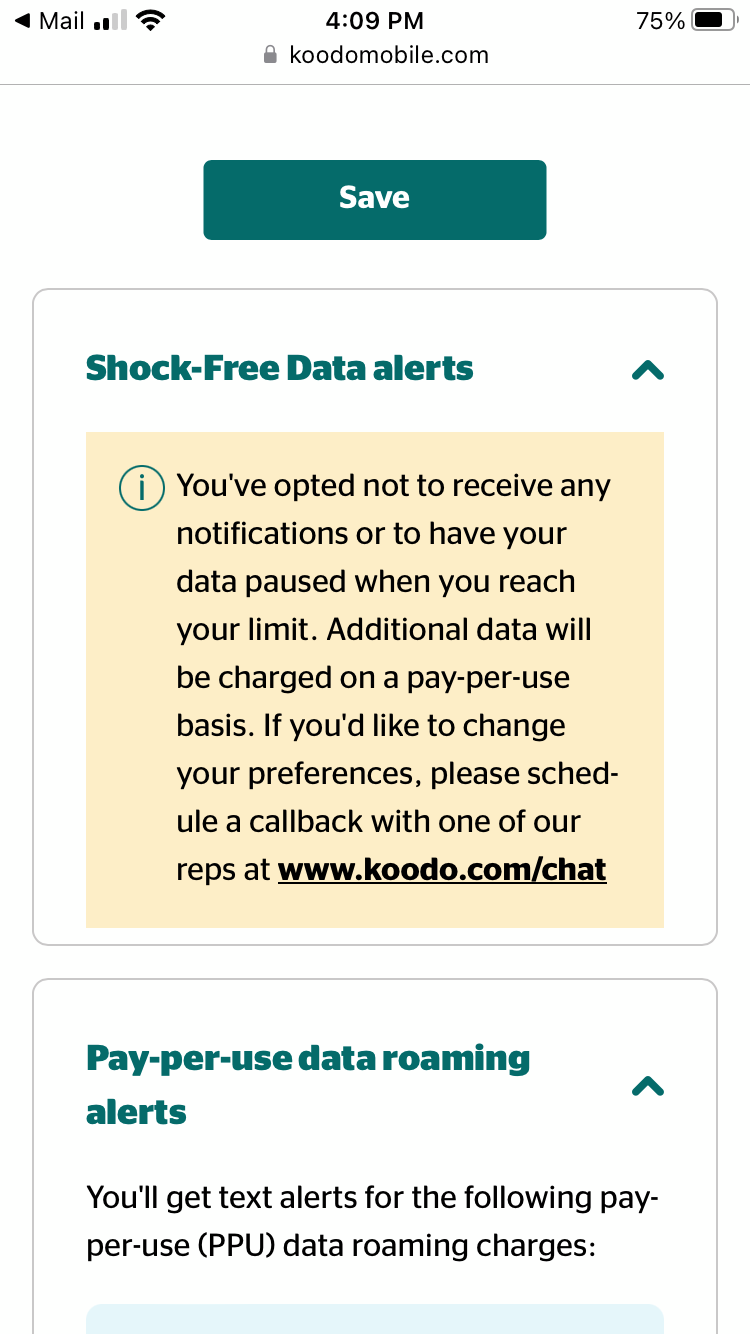
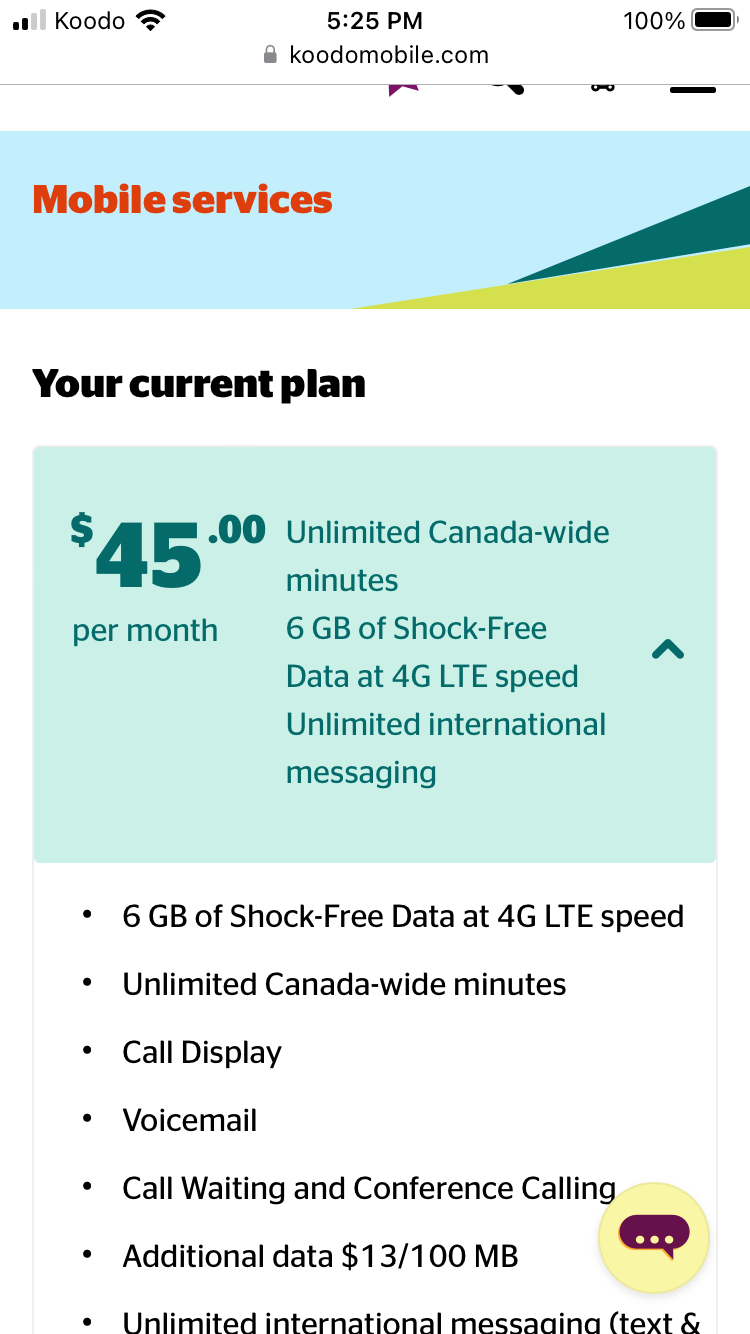
Hello! I’m not sure why but my account now says that I’ve opted not to receive notification of shock-free data. I called but was told it was disabled because it’s an old account? But when I look up my account details it clearly says shock-free data and I’d still like it back please (and not be pressured into a new plan which I was when I called). Thanks so much!
 

Best answer by Boa_Guy Koodo

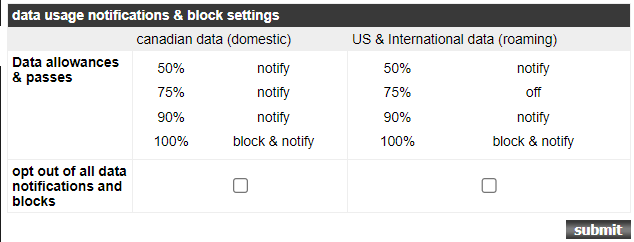
I there @Megs  We have looked into your account, We have activated notifications for 50%, 75%, and 90%. Also, we can see that your preferences are set to Block & Notify when you reached 100%.


This topic has been closed for replies.

12 replies

Dinh
Forum|alt.badge.img+4
  • Mobile Master
  • July 11, 2023

That was strange. Can you check your selfserve to see if data usage alert was on? 
https://www.koodomobile.com/en/help/shock-free-data


  • Author
  • Organizer
  • July 11, 2023

This? So I called and was told the above? 


Forum|alt.badge.img+4
  • Mobile Master
  • July 11, 2023

So when you called, did you ask them to turn on shock free data for you?


  • Author
  • Organizer
  • July 11, 2023

Yep. Was told “the bad news is they are unable because I have an old plan but the good news is I can buy a new plan for $10 more a month and have it back”? So nothing got resolved.


Forum|alt.badge.img+4
  • Mobile Master
  • July 11, 2023

Well that doesnt sound right.  Let me flag a rep for you


  • Author
  • Organizer
  • July 11, 2023

I thought it was strange too so thanks!


Darius Koodo
Forum|alt.badge.img+4
  • Official Rep
  • July 11, 2023

Hello @Megs  

The plan clearly states shock-free data and it should be part of the plan. Indeed there might be older rate plans however we can verify what happened in the conversation and also the data settings. Unfortunately, we were not able to authenticate over here. 

Make sure you log in via the Self-Serve account. Clearing the cache and cookies or even using a different browser can help. 

We have an article that can also help out by managing your data notification settings via the Self Serve account. Details here. Make sure to turn them on and let us know if it worked. 


  • Author
  • Organizer
  • July 18, 2023

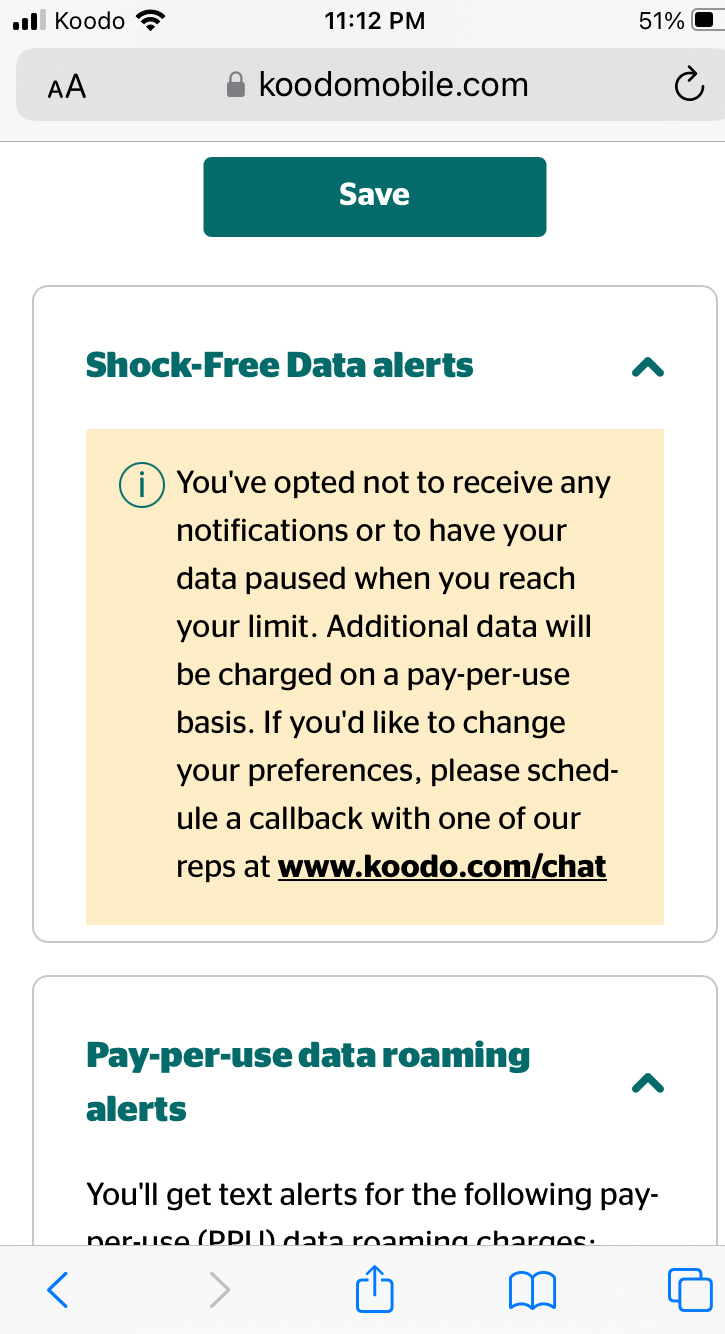
Appreciate the help. Unfortunately, tried the suggestions and still getting this notification on my account. Hate to call in again and go around in circles but will if that’s where we are at… thanks again!


Forum|alt.badge.img+4
  • Mobile Master
  • July 18, 2023

Appreciate the help. Unfortunately, tried the suggestions and still getting this notification on my account. Hate to call in again and go around in circles but will if that’s where we are at… thanks again!


You may need to schedule a callback through Koodo Assist to get this sorted out. https://Koo.do/Chat 


  • Author
  • Organizer
  • July 18, 2023

Got no where again by calling. Told that it can’t be accessed with the plan I have (even though it says I have it) and tried to be sold a new more expensive plan. So annoyed I can’t really get a clear answer but I guess that’s it then.


Boa_Guy Koodo
Forum|alt.badge.img+4
  • Koodo Alumni
  • Answer
  • July 18, 2023

I there @Megs  We have looked into your account, We have activated notifications for 50%, 75%, and 90%. Also, we can see that your preferences are set to Block & Notify when you reached 100%.


  • Author
  • Organizer
  • July 18, 2023

It’s fixed! Wonderful! Thank you SO very much for that!