Koodo Community
Solved

Cannot activate Prime through Stream +

  • March 12, 2026
  • 6 replies
  • 54 views

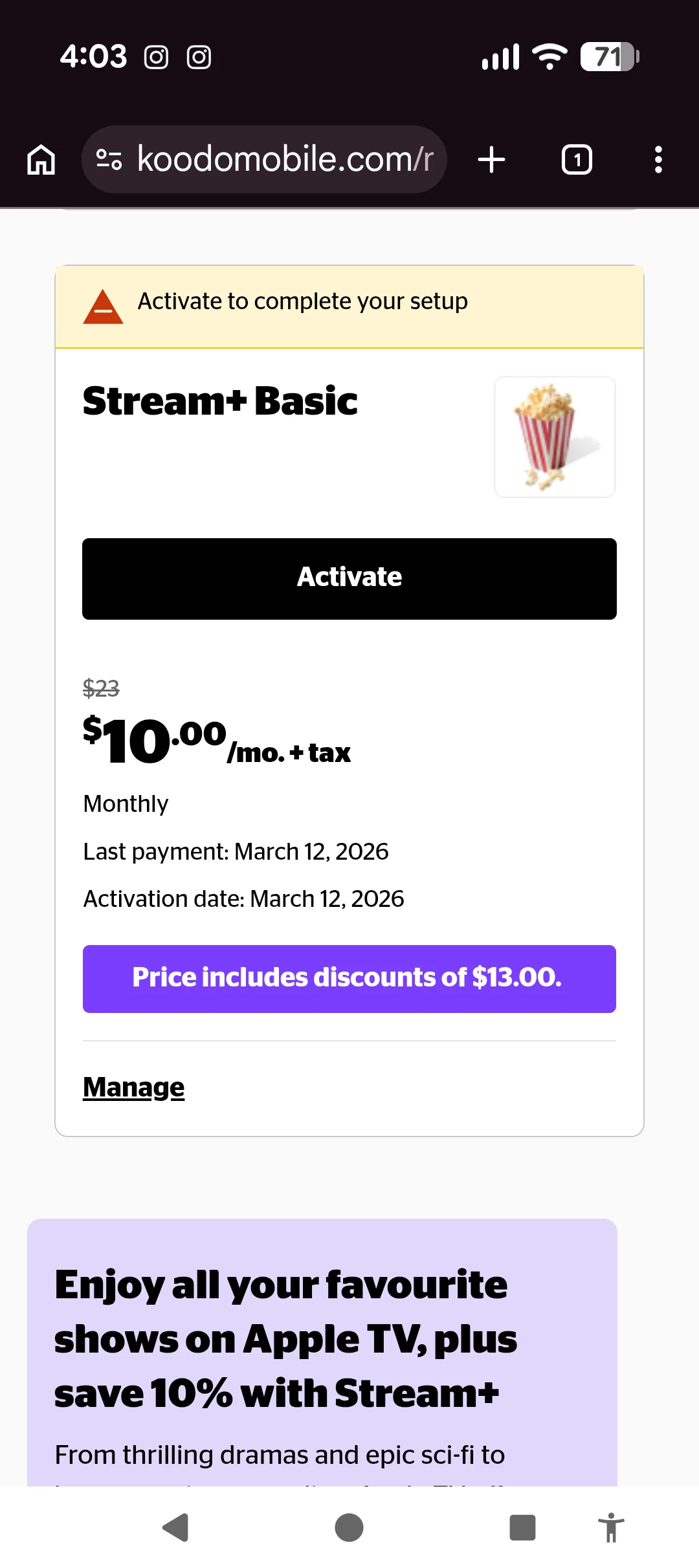
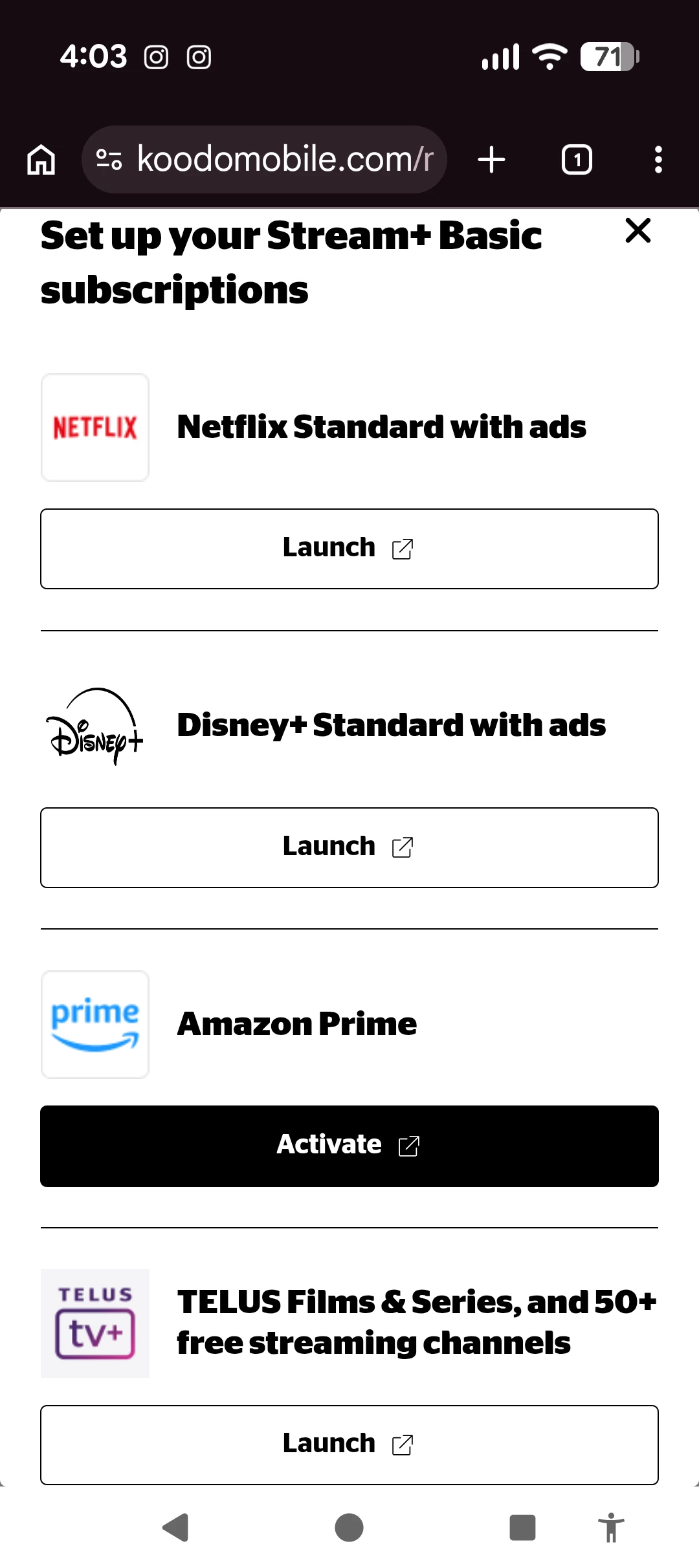
When I try to activate my Amazon Prime account through my Stream+ the clickable link brings me to a page with nothing, so I cannot continue with the activation process. Images show what I see, step by step. Is there another way to activate?
 

Best answer by Georgia Koodo

If you still have access in the meantime, you could wait for the expiry date then try to activate again, so you can link the profile to the new Stream+ account. 

6 replies

Georgia Koodo
Forum|alt.badge.img+4

Hi ​@StephFrey, if possible, we’d recommend trying in an incognito/private window or with a different browser or device. If you’re using a VPN service, please turn it off and try again. 


  • Author
  • Connector
  • March 13, 2026

Hey this worked, but when I logged into my Amazon account, I got an error saying I was ineligible because I already had an existing Amazon Prime account. Any magic tricks for this one, Georgia? For context, we had previously had the Stream+ active, but I let it expire and now I am trying to set it up again.


Georgia Koodo
Forum|alt.badge.img+4

Can you try to log in with your previous account credentials to Amazon Prime? Do you have still have access to Prime Video, without activating it from your Koodo account? It’s possible the previous Prime service has not yet expired if you’ve cancelled the Stream+ recently. 


  • Author
  • Connector
  • March 13, 2026

I do still have access to Prime, but it says it's ending on the 15th. Should I cancel and then try again to activate? Or wait until the 15th when it expires and then try?


Georgia Koodo
Forum|alt.badge.img+4
  • Official Rep
  • Answer
  • March 13, 2026

If you still have access in the meantime, you could wait for the expiry date then try to activate again, so you can link the profile to the new Stream+ account. 


  • Author
  • Connector
  • March 16, 2026

I waited, and as soon as it ended I was able to activate correctly! Thanks again, Georgia!