Koodo Community
Solved

Assistance Required: Unable to Cancel Amazon Prime Add-On

  • January 14, 2026
  • 2 replies
  • 28 views

Hello,

I have a question regarding cancelling Amazon Prime.

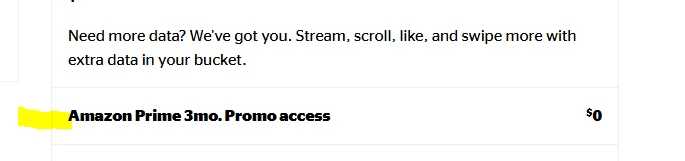
According to the Koodo website, Amazon Prime can be cancelled by clicking the “X” button under My Add-Ons on the Self-Serve page. However, when I check my add-ons, I do not see the “X” button next to Amazon Prime. I have attached a photo showing my add-ons screen, where the cancellation option is missing.

I have also attempted to contact a representative through the online chat, but the system repeatedly fails to connect me to an agent. This has been an ongoing issue since the end of last year, and I have not been able to receive support through this channel.

Could you please advise how I can cancel my Amazon Prime subscription in this case?

Thank you for your assistance.


Best answer by Oliver C

Hi there,

That is correct, the X should appear on the manage add on page.

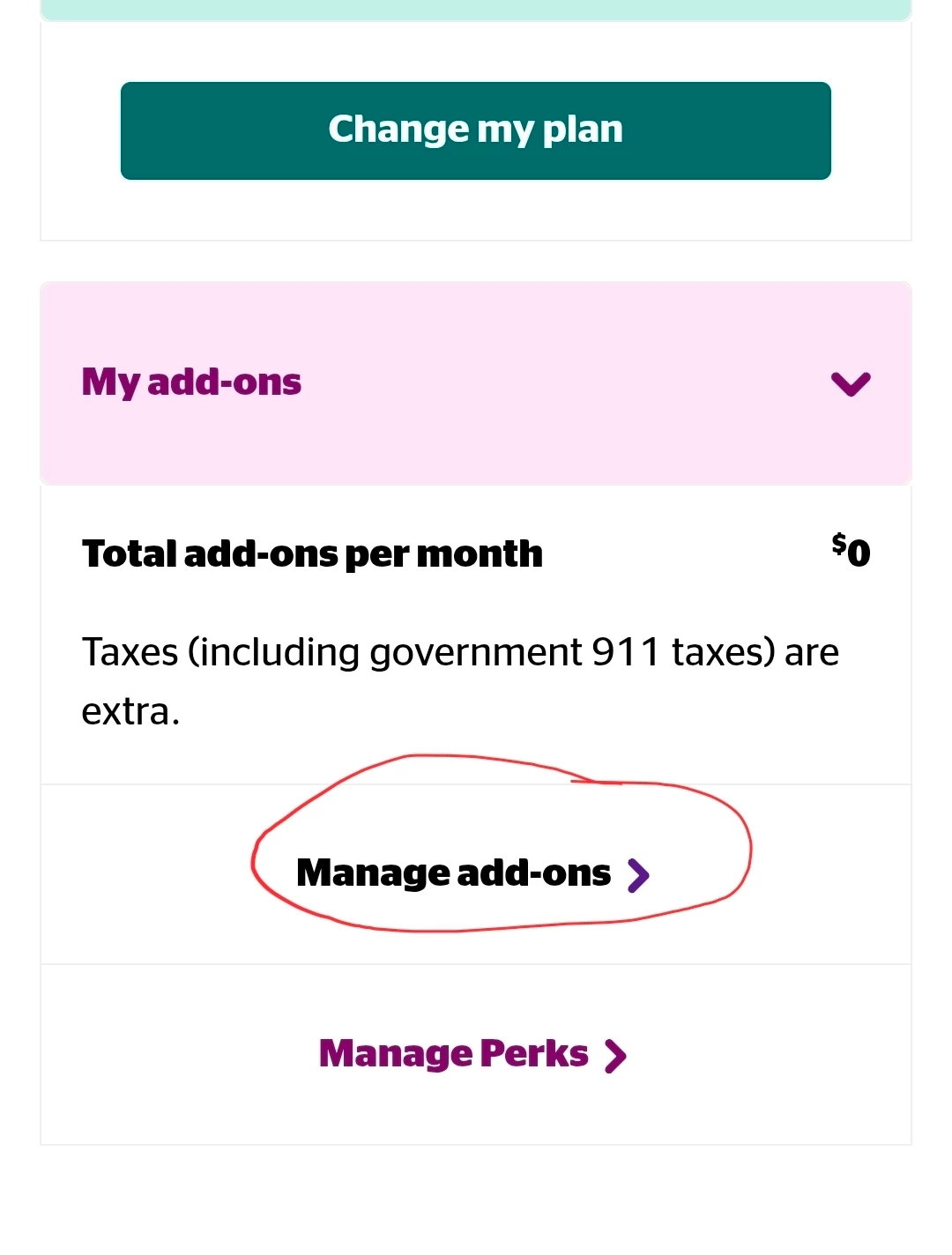
To confirm, after viewing your add ons under "Manage plan and add-ons" did you proceed to select "Manage add ons" in the image below? Its just hard to tell from your image which part of the oage you're on.

From there it should bring up your add ons and allow you to remove them.


2 replies

Forum|alt.badge.img+4
  • Mobile Master
  • Answer
  • January 14, 2026

Hi there,

That is correct, the X should appear on the manage add on page.

To confirm, after viewing your add ons under "Manage plan and add-ons" did you proceed to select "Manage add ons" in the image below? Its just hard to tell from your image which part of the oage you're on.

From there it should bring up your add ons and allow you to remove them.


  • Author
  • Organizer
  • January 14, 2026

Thank you so much for your quick reply!

I had not clicked on “Manage add-ons” before, but after following your guidance, I was able to remove it successfully. I really appreciate your help.

Thank you again!